
Two interesting commentaries on the workplace: Why you Can’t Work at Work from Jason Fried and an episode of The Conversation with guests Merlin Mann and Jeff Veen. Both are worth listening to, especially if you find yourself in a job, or in a workplace setting, that isn’t working for you.
When I’m traveling away from Prince Edward Island I give myself permission to be more liberal in my media impulse purchases. Living here in the remotest edge of the country, there’s plenty of Danielle Steel to go around, but anarchist zines are few and far between. So I seize the moments. Here’s what I collected on last week’s trip to Toronto:
- From Function 13 in Kensington Market: an issue of Zoetrope: All-Story, a DVD of the Sydney Pollack documentary about Frank Gehry, and a copy of Objectified.
- From Type Books on Queen Street West: What’s the Matter with Albert? for Oliver, and Biking to Work (a very practical book full of useful information).
- From The Paper Place, next door on Queen Street West, a nice variety of coloured card stock for letterpress experimenting.
- From Steel City Surplus in Hamilton: a USB and cigarette lighter charger for my Nokia N95 (only $3.29!), some cable ties and a carabiner.
Along the way I also had a very nice stuffed naan at Dufflet Pastries, several very good cups of coffee at My Dog Joe in Hamilton, a decent Vietnamese meal at Little Saigon on the mountain in Hamilton, a fantastic vegetarian hotdog at Easterbrooks in Aldershot and saw Inception on the IMAX.
🗓️
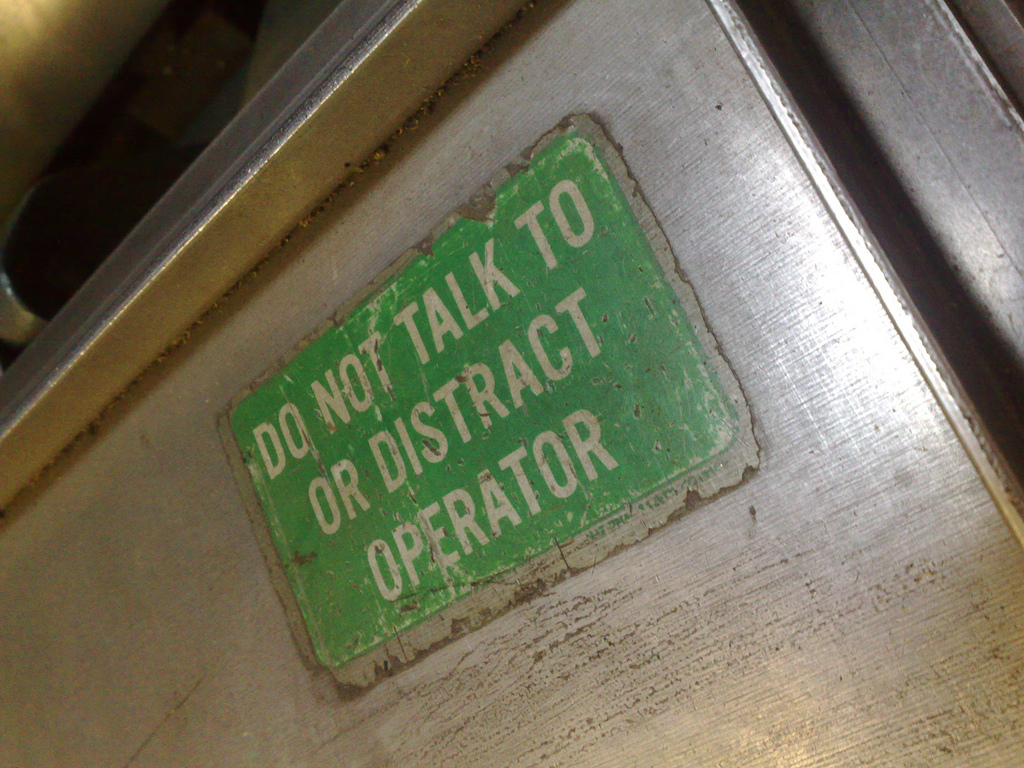
We all need one of these stuck to our workstation. This one was on a complicated-looking piece of printing machinery at Don Black Linecasting.
🗓️
Back in May at the letterpress workshop at The Arm, personable printer Daniel Morris pointed me toward Don Black Linecasting in Toronto as a good source in Canada for letterpress equipment in supplies and I resolved to make my way there as soon as I could.
That ended up being yesterday: on a quick breeze through southern Ontario to visit family I swung through Scarborough on my way to the airport and ended up spending two hours in the place yesterday.
Wow.
If you’re a letterpress aficionado, a visit to Don Black Linecasting is like a visit to heaven: a huge warehouse full of presses, drawers of type, binding machines, and all the supplies you might ever need. Here’s just one of the many rooms in the place that’s packed to the gills:
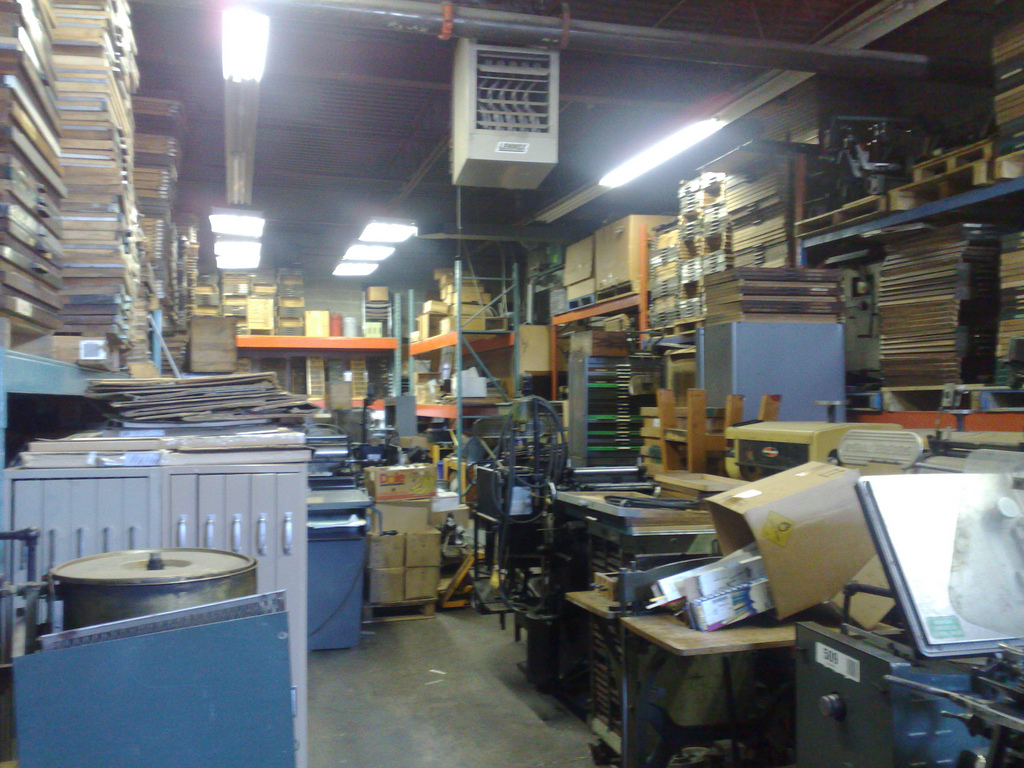
Upon arriving I got a quick tour of the place from Don’s son (and co-worker) Craig: he showed me their selection of platen presses for sale (some great looking machines, all priced way, way out of my range) and then let me wander around by myself until Don was due to arrive back from lunch.
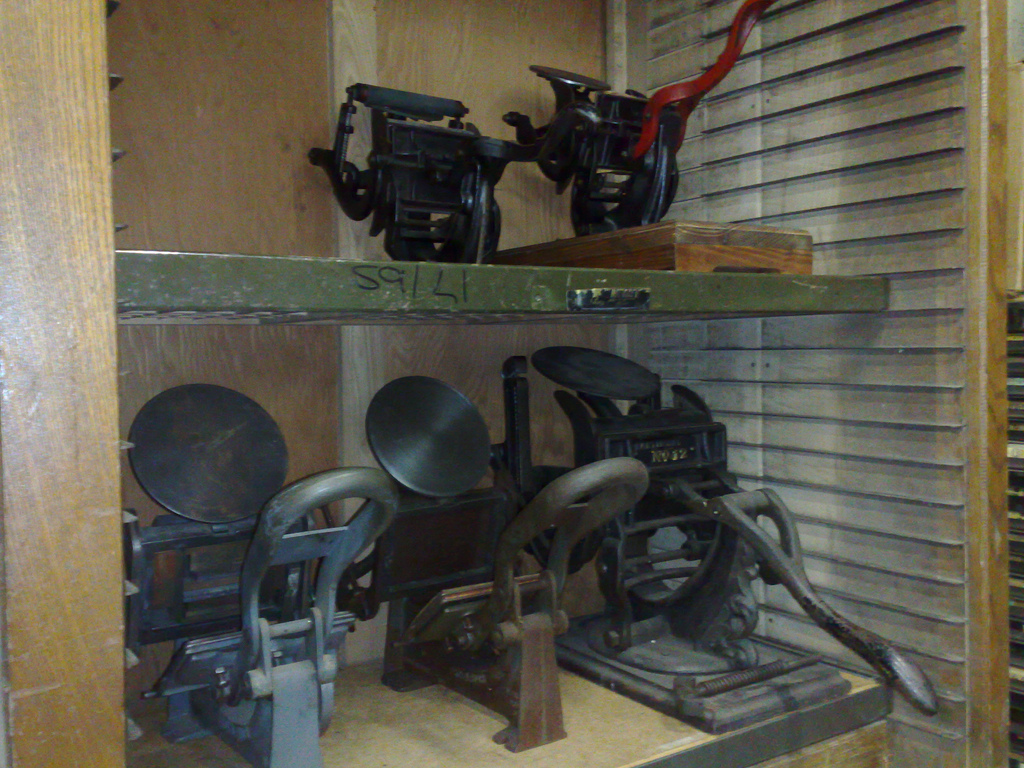
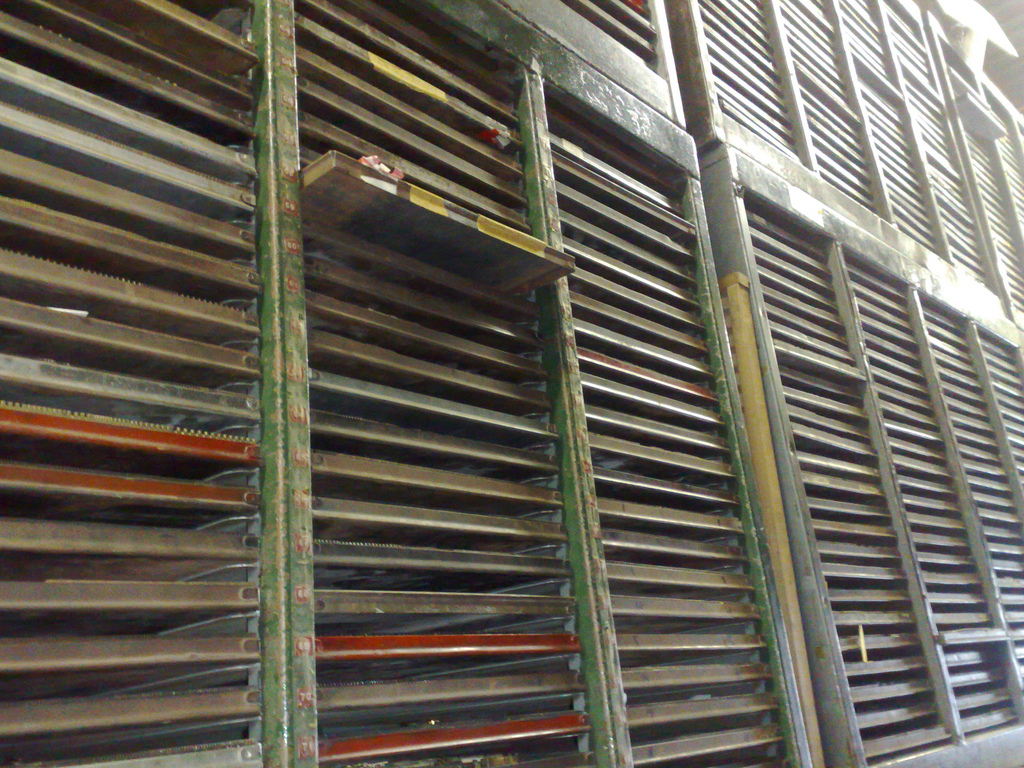
Twenty minutes later Don was back and we spent an hour or so talking letterpress, printing, newspapers, and all manner of things. The Canadian letterpress community is tiny, and Don knew almost all the names I mentioned and I knew a good part of those he mentioned. As I’ve found with almost everyone else in the letterpress world, mentioning Gerald Giampa (formerly of Mount Stewart, PEI) requires a good 30 minutes of conversation all on its own, and Don was no exception.
Then I laid out my needs: enough of a serif typeface to allow me to do some serious typesetting (I’m tired of not having any number 9s in Times Roman Bold), a composing stick, enough leading to keep me going (mine is old and bent out of shape), and some wooden furniture to bolster the collection that came with my Adana Eight Five.
Before we got going, though, Don showed me the working Intertype linecasting machine they’ve got in the office. It’s an amazing device: fabulously complicated but, compared to hand-setting, a huge time-saver (imagine setting the Globe and Mail letter by letter!).
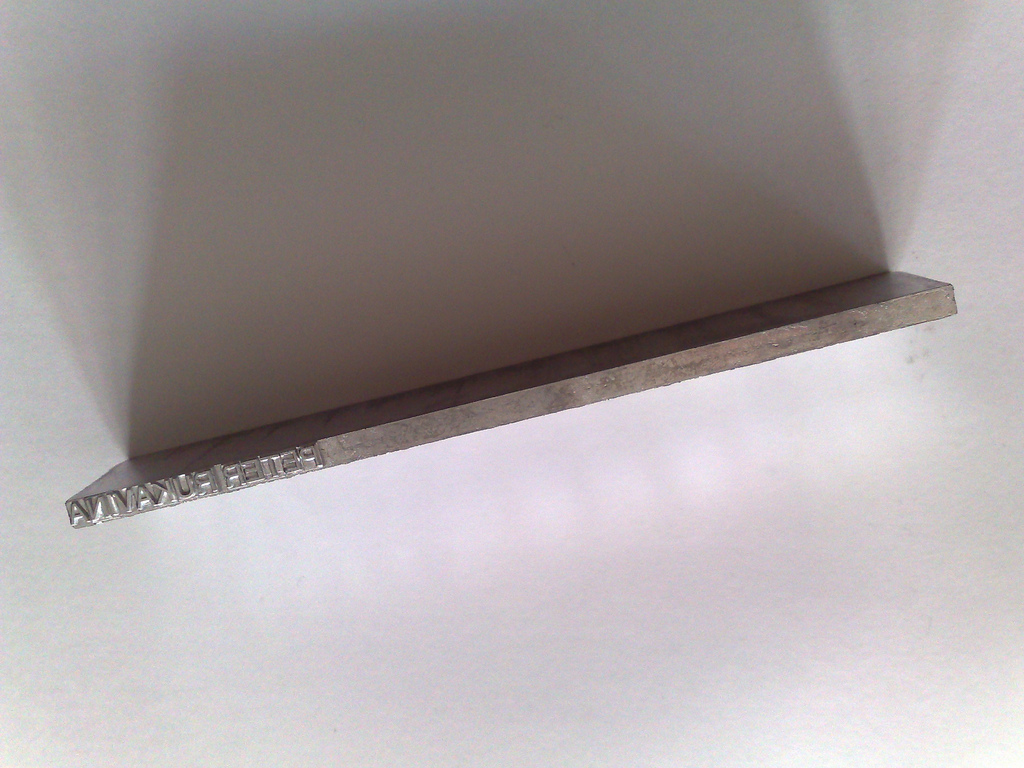
Don set my name, and Oliver’s name, in lead. I learned firsthand the “hot” part of “hot metal type” when he handed me my name fresh out of the machine and almost melted my hands through.
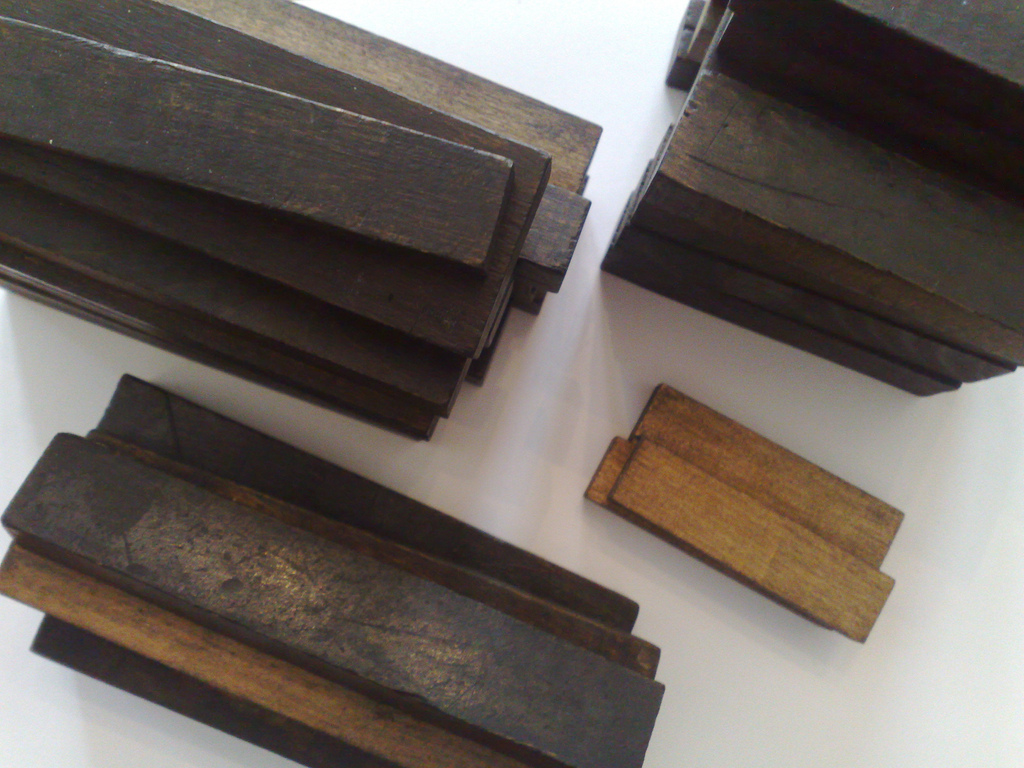
Demonstration and chat completed, we set out to shop. Don set me loose in the area of the warehouse where all the wooden furniture is gathered and I grabbed enough in different sizes to make sure I never run out:
Next he pulled out the drawers containing dingbats, ornaments and various and sundry type elements so that I could pick out a selection:
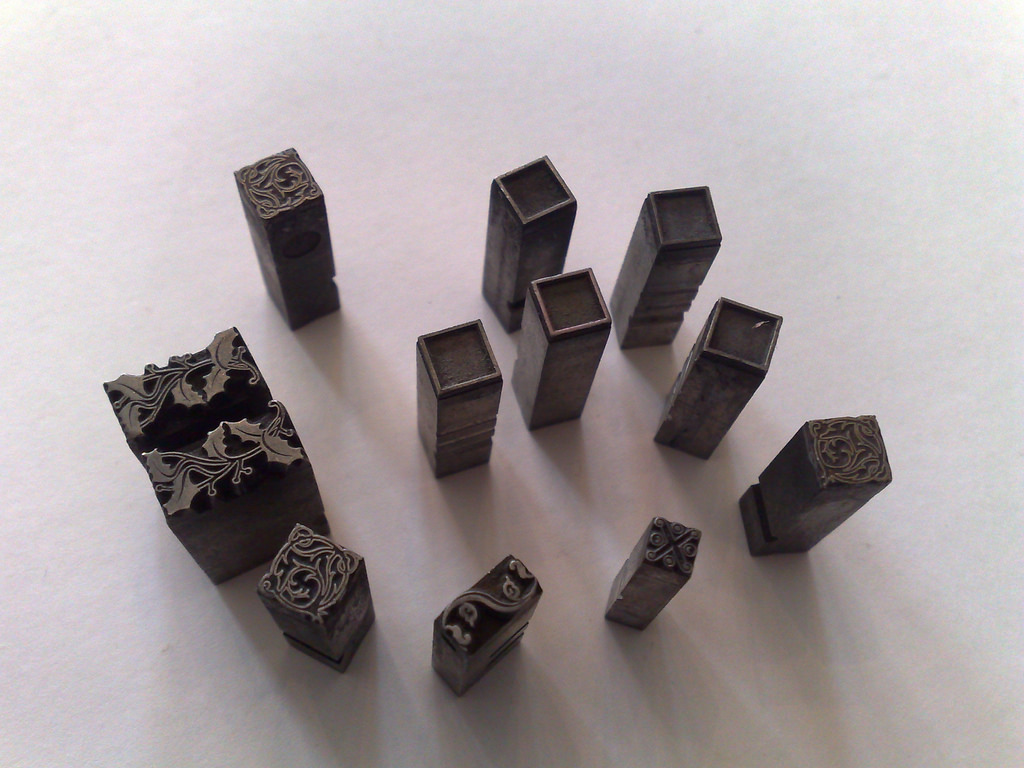
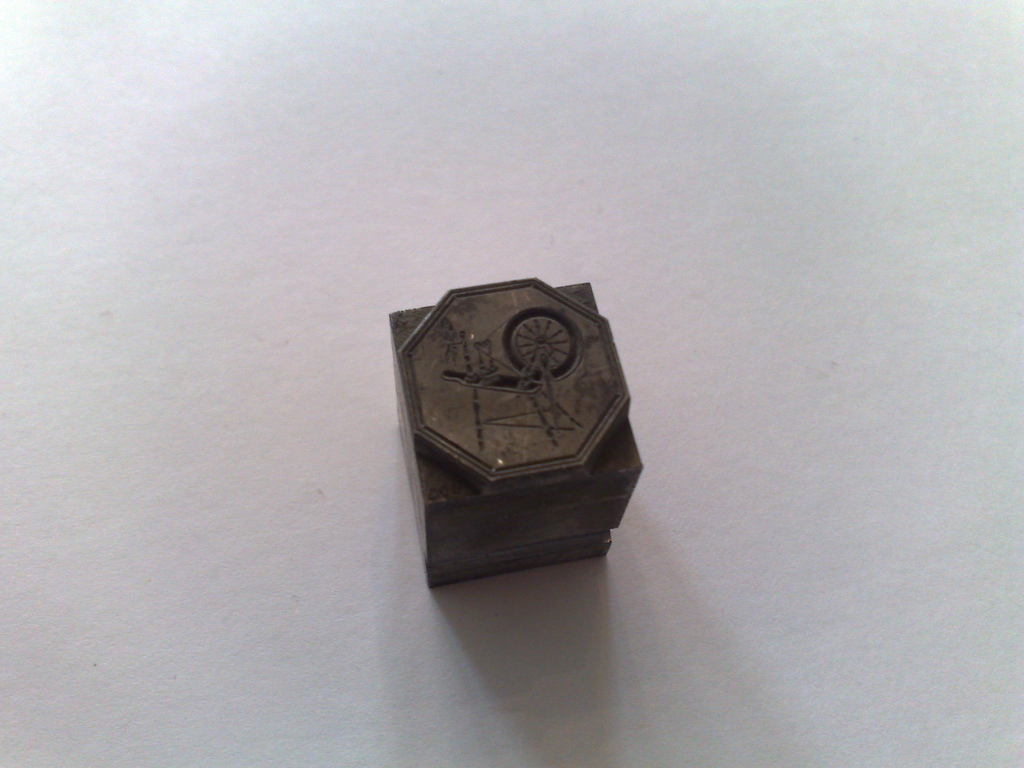
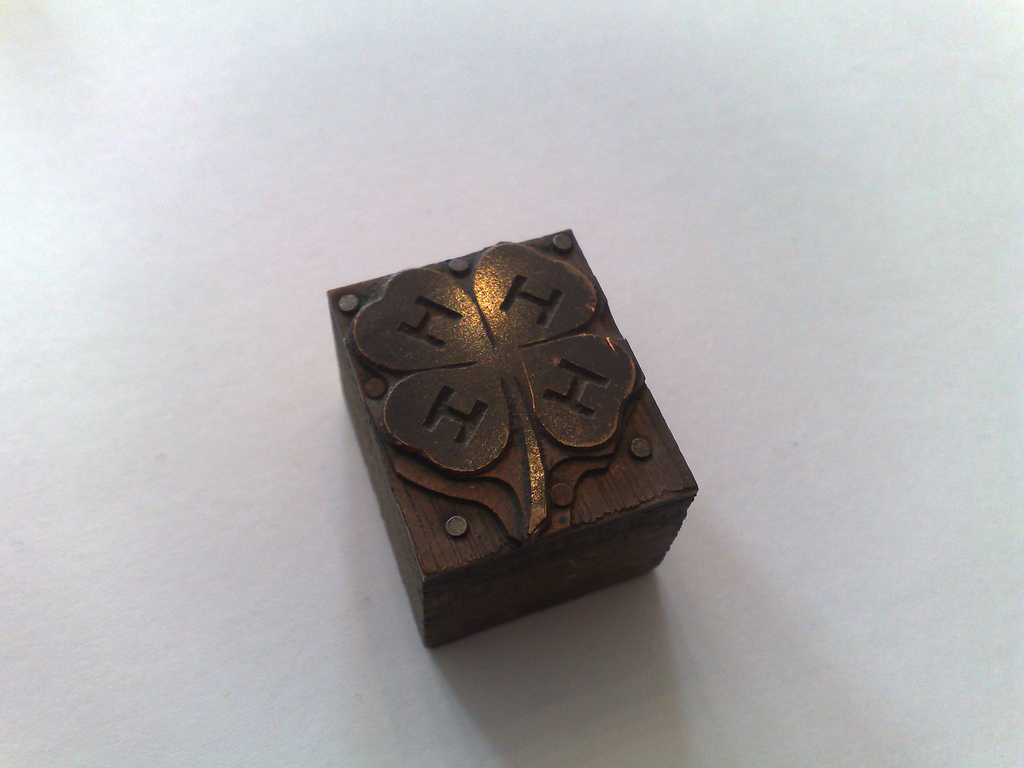
(So now I’m equipped to start offering letterpress workshops to 4H in the fall.)
He found a composing stick for me, and a tool for cutting leading:
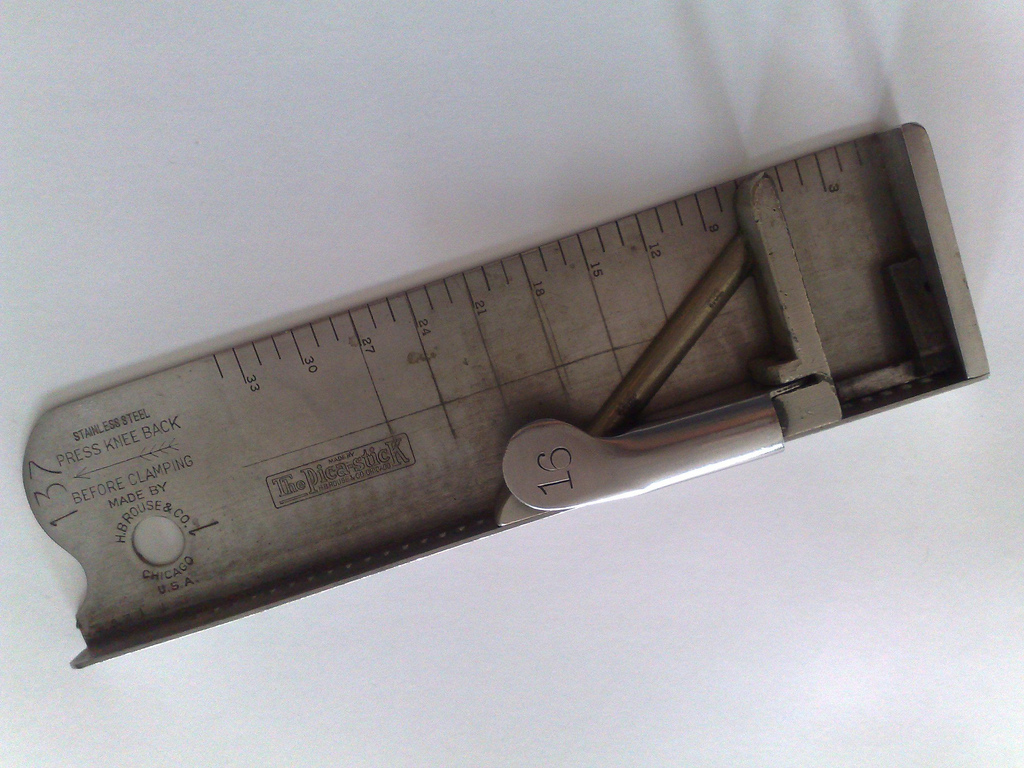
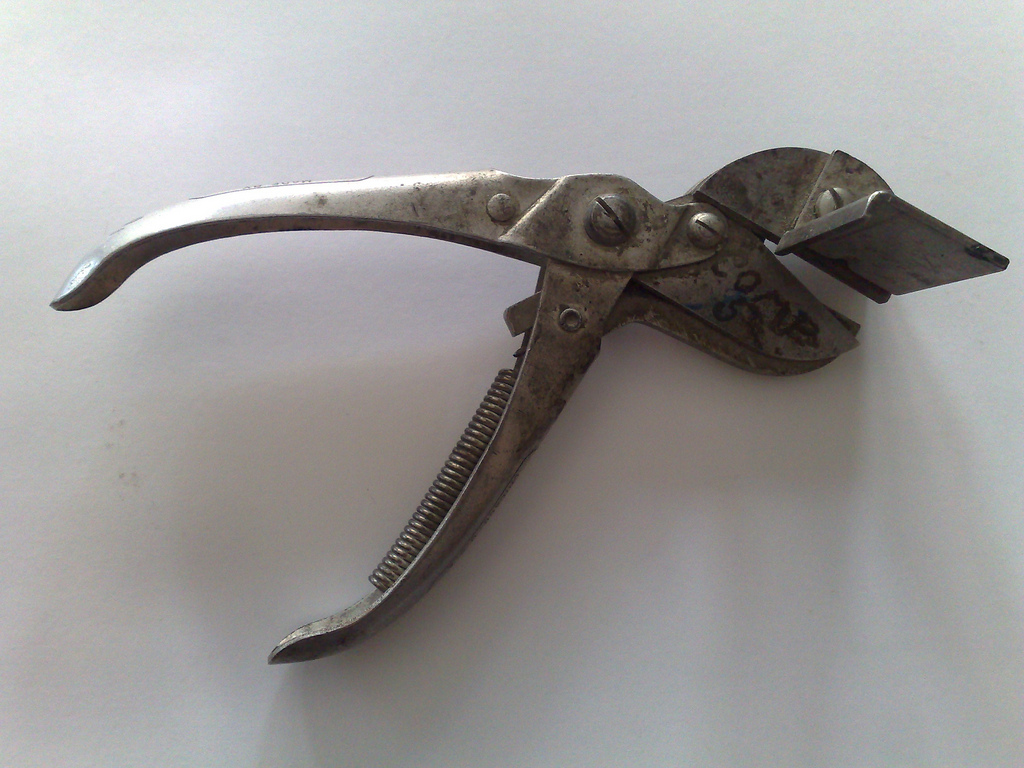
And then we started the hunt for type. They’ve got a computer system that catalogues everything they have – you can search it on the web – and Don would go back into the office and look up some likely suspects and then we’d track them down in the warehouse to see if they fit the bill.
I ended up with a case full of 30 pounds of 12 pt. Bodoni – “to set any amount of text you really need 30 pounds,” Don and Craig agreed – that they’ll pack up and ship to me:
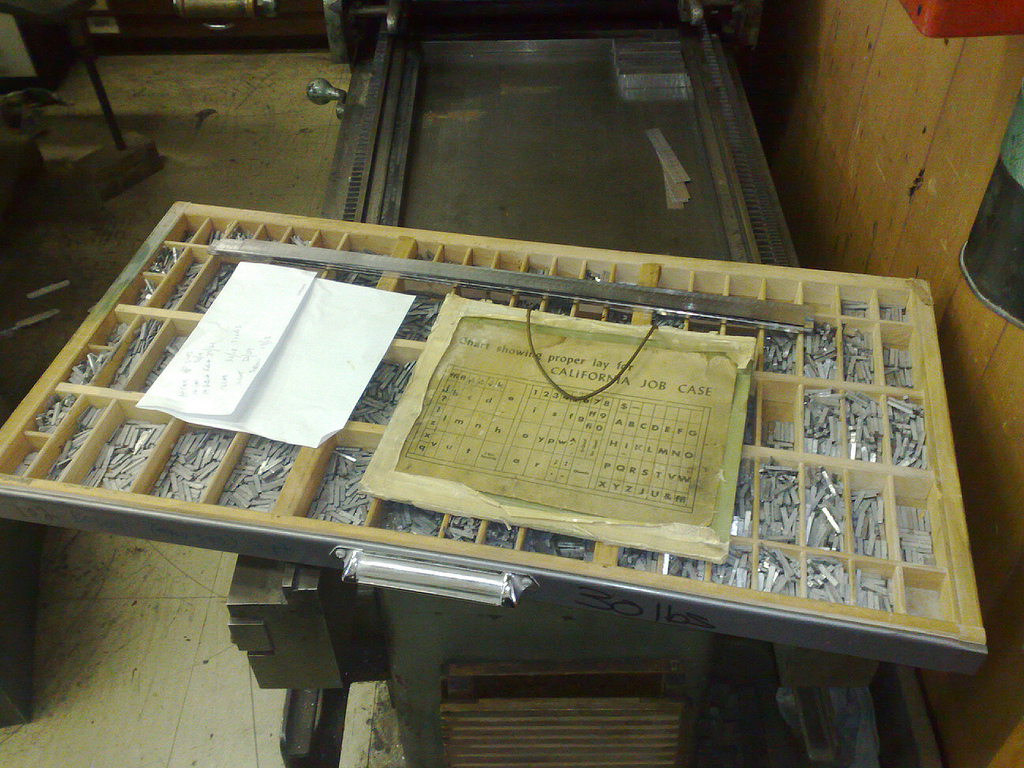
Beyond its natural attractiveness, one of the things that so draws me to letterpress is the small size of the letterpress community: I’d much rather have an avocation where there’s but a single well-equipped nexus in the country staffed by knowledgeable experts than I would an everyday hobby where you can pop around the corner for whatever you need.
That either makes me an elitist or a loner or some sort of analog nerd. Either way, it’s a wonderful avocation to have, and having people like Don Black to keep the world alive and active is a great gift.
🗓️
Last night we watched the final episode of Empire of the Word, Alberto Manguel’s TV Ontario documentary about books and printing and reading. While it has a high pomposity quotient, it’s still worth watching for the scenes of the Gutenberg Museum in Germany, especially when they run off a print of the Gutenberg Bible from the original type. (Kudos to TVO, by the way, for putting the video online).
🗓️
I wrote yesterday about my short-lived affair with a Nexus One, and alluded to the fact that my venerable Nokia N95, which I purchased in the spring of 2008, returns to the fore as my trusty backup device. I thought it a good time to mention a few things that I love about the N95:
- The “macro mode” on its camera, that lets me take in-focus pictures of tiny object close up, is really good and I use it all the time for taking photos of receipts and newspaper clippings and tiny things.
- The Gravity application for Series 60 phones like the N95 is a staggering work of genius: it’s client for Twitter, Foursquare and Google Reader and its brilliantly designed and simple to use.
- The ProfiMail email application is also a brilliant app: it allows me to ditch the native Nokia email app, which is abysmal, and replaces it with a compact, full-featured email client that has no trouble at all working with my IMAP server.
- As much as I’m not a fan of the multi-button Android approach to UI, I really love the dedicated music player buttons on the N95: there’s play, pause, forward and back buttons that slide out if you slide the phone in the opposite way to the way you slide it for the numeric keypad, and I use them all the time for listening to music and podcasts.
- Although it’s inferior in many ways to Google Maps, the fact that I can use Ovi Maps on the device with pre-loaded maps means that I don’t need data connectivity for maps. That said, it’s annoying that Nokia hasn’t released the updated “includes free navigation” app for the N95 that they released months ago for other phones.
- The N95 has SIP deeply integrated into the “telephone” app, meaning that I can make VOIP calls on the phone in exactly the same way that I make cellular calls, with all the same UI, features, etc. I really appreciate having VOIP as a capability rather than an application.
- The Nokia Internet Radio and Podcasting applications, while not perfect, operate as advertised and are perfectly serviceable apps for listening to streaming radio and managing podcasts respectively.
- Although their commitment to Python isn’t perhaps as strong as it once was, the fact that Nokia released and supported Python for S60 makes application development for the N95 drop-dead simple. It’s not easy to make distributable apps in Python, but for hacking together purpose-built personal apps, it’s still the best tool on the market.
Of course there are plenty of things I don’t like about the N95 – it’s wifi handling is fundamentally broken, the hardware is way too sensitive to moisture, the Ovi Store is unwieldy behemoth, the anemic Flickr support for the “share” application – but I’ve learned to live with those and, frustrating as they may be, I’ve been able to work around these limitations.
🗓️
I’ve spent the past two days using a Google Nexus One – I had one drop-shipped to Yankee to coincide with a visit here this week.
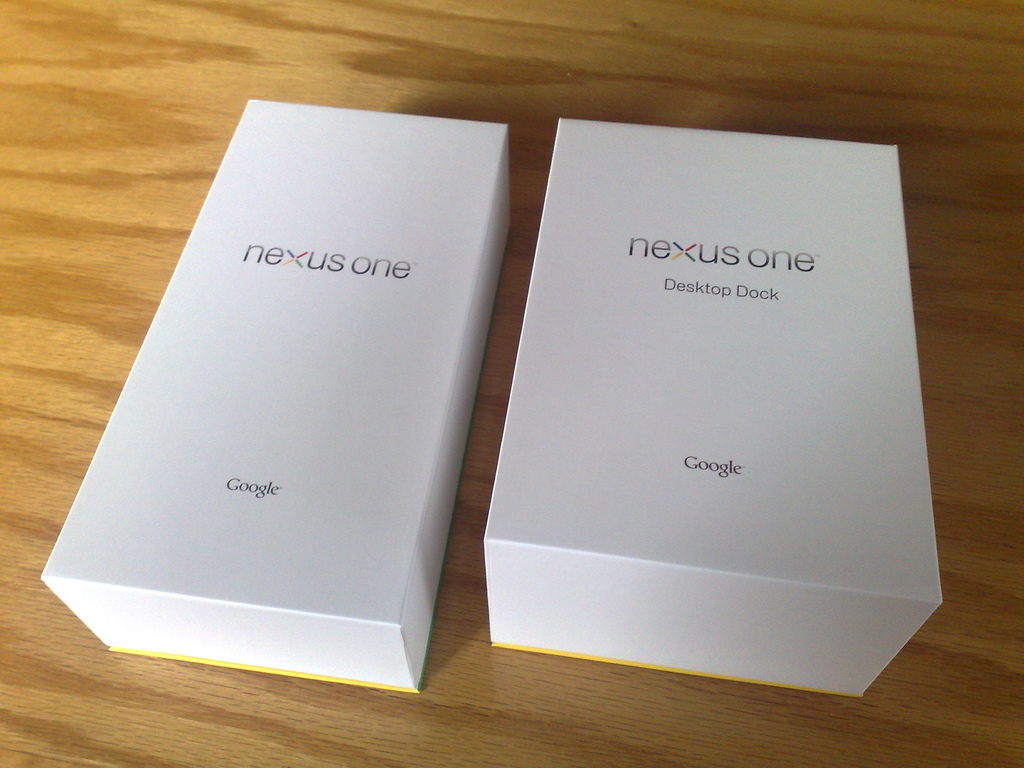
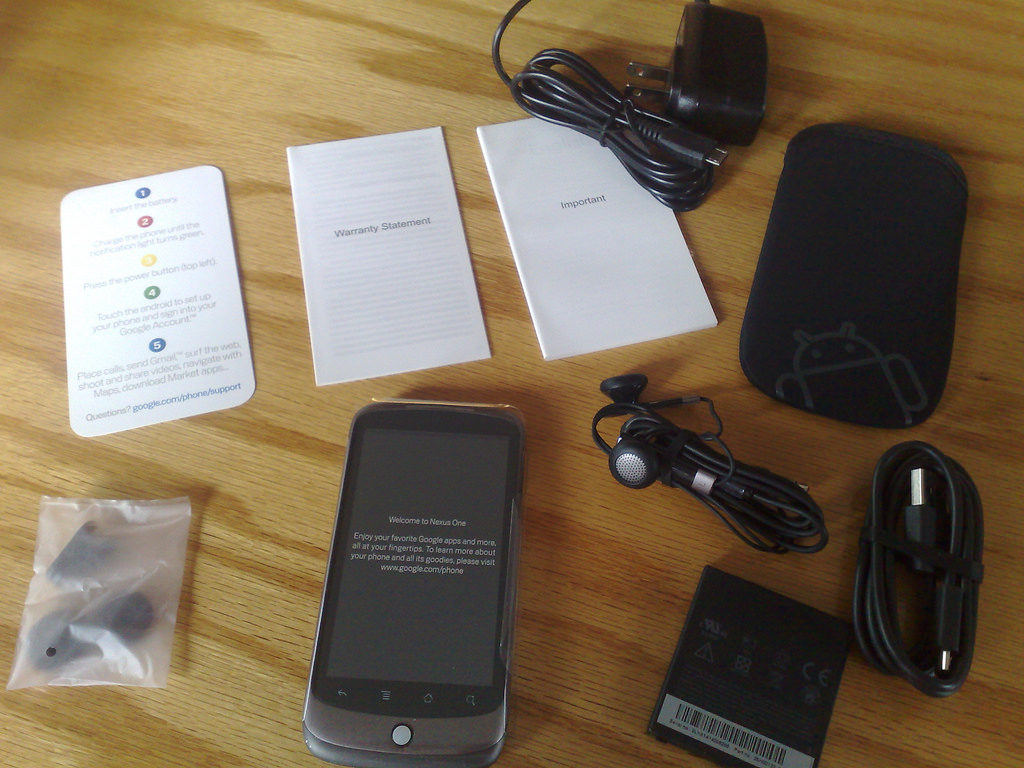
This afternoon I called HTC to start the process of returning the phone.
I didn’t spend enough time with the phone to write a full-fledged review, and, truth be told, most of my reasons for returning it were emotional rather than rational: it just didn’t feel right for me.
That said, here are some notes on my two days with the device:
- The purchase and delivery process were flawless.
- The fit and finish of the packaging and of the device itself were well-executed, at almost Apple levels of design and simplicity.
- The “just enter your Google account information and everything just syncs” is the standout feature of the phone: no fussing with iSync and iTunes required, as it just works, almost as if by magic.
- I found the four-button Android system, which is integral to the platform and not a Nexus One-specific feature, very confusing, especially coming from an iPod Touch with its single button. Having four buttons – back, menu, home and search – makes everything more complicated than it should be because every time I want to do something, I need to recall which button I need to press. I imagine that, with time, this would all become intuitive; but to start out it was like trying to date someone with four arms.
- The phone had real problems with the wifi network at the hotel where I’m staying: after grabbing an IP address the phone froze up in the browser during the browser-based authentication process, to the point where I needed to remove the battery to reset. This happened several times. I’ve no idea whether this is the fault of the hotel wifi or the phone, but I don’t need another phone that freezes up because of flaky wifi, as my Nokia N95 does an <irony>excellent job</irony> at that right now.
- The native Twitter application is far inferior to the native iPhone Twitter application. The Android app feels like a toy, not a productivity app whereas the Tweetie-based iPhone app seems like a marvel of design by compare.
- I never completely understood which applications were “running” and which applications were “hidden” and which applications were “closed.” Maybe I shouldn’t have been trying to understand this at all and just let things be, but in an environment where I’m roaming and want to know which apps are using data, this seems like an important thing to be able to know.
- The Google Translate application is magic. You can talk to it in English and it will talk back to you in German. Or Spanish. Or French. Amazing.
- The “desktop dock,” which I ordered separately for an extra $45, is very nice, and the Nexus One drops into it without effort and automatically switches to “docked mode,” displaying the clock and a variety of other widgets.
- I tried to migrate my address book and calendar to a Google-based setup to allow the easy-syncing to work its magic. I exported my Address Book contacts into a vCard file and imported them into Gmail, and exported my iCal file and imported into Google Calendar. And everything worked as expected. But, as much as I hate iSync and iTunes, I missed being able to have my desktop apps in sync with my mobile, and the ability to have music and video just work like they do with iTunes. I’ve pretty sure that The Missing Sync could have filled in most if not all of the gaps for me, but I didn’t want to inject another later of complexity into the process.
- The camera is very nice, although I missed the dedicated shutter button of the N95: having to touch the screen to take a picture on a camera you’ve already aimed and focused doesn’t seem like good usability. I had to purchase a $1.99 app to build Flickr integration into the “share” capability of the phone, but once I did this it worked perfectly.
- The app purchase process, through the Android Market, was slick, and because it integrated with Google Checkout, where I’d already stored my credit card information, painless.
- I couldn’t use the phone outside in sunlight it all: the screen washed out almost completely. This is a problem on several levels, and made using the camera, especially for sharing purposes, difficult. Photo sharing is one of my big uses for a mobile device, so this was close to a deal-breaker for me.
- An issue that might be completely personal, and an issue I have with all smart phones I’ve tried: the “grid of icons on multiple homes screens” mechanism for managing and launching applications is never one I’ve taken to. I don’t have a suggestion for a better way of doing this. But I find myself forever hunting around which which app is where. The Nexus One makes this slightly more confusing because there are “home screens,” which are configurable and can include apps and widgets, and the “app screen,” which is an alphabetical grid of all apps. I find the overlapping metaphors confuse me.
- The Google Listen is fundamentally confusing. All the right pieces are there, but they’re presented in a way that makes if very hard to understand, and using Google Reader to store podcast subscriptions, while sound in spirit, is practically annoying: they subscriptions there don’t need to be read, and so they’re just noise. This is a place where the Nokia Podcasting application is superior: it’s old and clunky, but it’s simple to understand and well-integrated with the music player.
- I couldn’t get the Google Voice application to work. It installed, but its icon never showed up on the device, and I couldn’t uninstall it or reinstall it. There’s some suggestion that this was a symptom of trying to use it on a phone with a Canadian SIM card in it, but I couldn’t find any official evidence of this.
- I missed the baked-in SIP of the N95. It’s a hassle to setup on the N95, but once it’s there it’s well-integrated into the telephone application, and makes using SIP to make VOIP calls very easy. You can make SIP calls from the Nexus One, but you need an app to do it. Similarly, I missed the presence of a Skype app for the Nexus One (apparently there is one, but only for Verizon customers).
- The battery life, while perhaps respectable in today’s smart phone environment, was sub-par: I left work every day with the phone fully charged, and by the next morning I was below 10% battery before I made it back into the office. And this was without anything more than casual web browsing and Twitter check-ins. Part of this might be do to the marginal cell service here (so the phone has to work harder to stay connected), and perhaps I wasn’t running things to optimize battery life. But I’m using to being able to go 3 days without a charge with my Nokia.
That’s just a random scattering of thoughts and experiences: like I said, it was mostly an emotional decision to spurn the Nexus One. My Nokia N95 is no great prize, and its annoyances and downright brokenness, are legend. But I’ve a long-term relationship with it, and we’ve learned to get along.
To be a replacement for the N95, thus, means living up to a perhaps-impossibly-high standard of amazingness, and, in the end, the Nexus One, while perfectly suitable and in some ways revolutionary, didn’t meet that standard for me.
What’s next for me phone-wise? I’m toying with the idea of an iPhone 4, although I’m not sold on it. I might just admit defeat and hold onto the N95 until it dies.
Or perhaps I’ll trade it in for a tiny non-smart-phone: something that occurred to me while I was setting up the Nexus One is that I was installing apps, like Foursquare and Twitter and Google Reader, that if I didn’t have the phone I wouldn’t need the apps for and I wouldn’t miss the presence of in my life. In other words, I have a smart phone because smart phones run apps and I need the apps so that I can use the apps that smart phones run. Maybe I don’t need all this time and expense and hand-wringing, and should just go for a walk?
🗓️
If you’ve been following along from home, you’ll know that I’m building the pieces of a customer-presence-sensitive music system for restaurants. Part of this system is a Bluetooth device discovery system that looks for Bluetooth devices – phones, laptops, etc. – of registered customers, and uses their presence as a trigger to adjust the restaurant playlist.
The Bluetooth discovery server that I’m using for testing is a stock Mac Mini, running a modified version of haraldscan, a Python application. The server has been in place for a week for testing the “Bluetooth environment” and the script itself has been working well.
Except that every 12 hours the Mac Mini has been crashing. Or, rather, the scan process has been hanging.
At first I thought it was simply the Mac Mini going to sleep, or being turned off on a power bar, but I realized that the server itself was still alive, it just wasn’t running my process via launchd every minute as I’d set it up to do.
It was only when I logged in to the server itself and looked at the list of running processes that I learned the cause of the problem: there were hundreds of processes running like this:
.../BluetoothUIServer.app/Contents/MacOS/BluetoothUIServer \
-pair XX-XX-XX-XX-XX
And when I looked on the terminal screen, I saw the evidence of this: hundreds of dialog boxes from a device trying to pair:
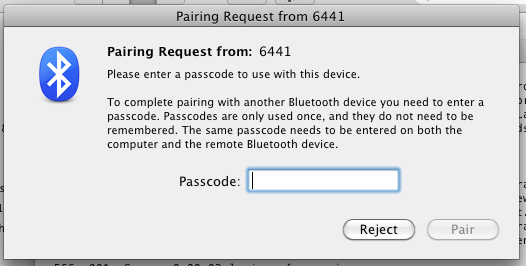
These pairing requests were eventually bogging down the server to the point where it could no longer run new processes, effectively bringing the server to its knees.
I tried dealing with this in the usual ways: turned off the “discoverable” setting in the Mac Mini’s Bluetooth settings, and unchecking all the other settings that would allow the Mac Mini to automatically react to new devices. But to no avail.
Next I decided to try to find out what the mysterious device “6441” actually was. Originally I thought it was a Panasonic cordless phone, but then I used this helpful Bluetooth Device Address Lookup tool, which identified the device as being made by Ingenico, a name I recognized from debit and credit card terminals.
Sure enough, the mysterious “6441” was a Moneris 8200 pay-at-table terminal in the restaurant. So all I needed to do was to prevent it from making pairing requests, and the problem would be solved.
Unfortunately, after 3 calls to 3 different technical support agents at Moneris, I came to learn that this isn’t possible. There is, it seems, no way to prevent a Moneris 8200 terminal from trying to pair with any discoverable Bluetooth device within range: the only suggestions Moneris could offer were to either turn off Blueotooth on the Mac Mini or to move it out of range of the 8200, neither of which is feasible.
So I decided to approach the problem from the other end: I simply inserted this bit of code into the launchd script that runs the Bluetooth scanner on the Mac Mini:
killall BluetoothUIServer
This has the effect of killing any pairing request dialogs that have popped up in the minute since the process last run, effectively removing the constant pairing request issue an annoyance, but not a system-crippling problem.
I welcome any advice from others on alternative approaches to this.
🗓️
I’ve had an actual data plan on my Rogers account for use with my Nokia N95 (as opposed to the prohibitively-expensive pay-as-you-go data use I had previously). The plan allows for 500MB of usage per month, and, truth be told, I had no idea whether this was enough or not.
I don’t do anything strange with the photo and data: I check email, update Twitter, use Google Maps, check in to Foursquare, etc. Here’s what the last month’s data usage looks like on the Rogers bill I received today:
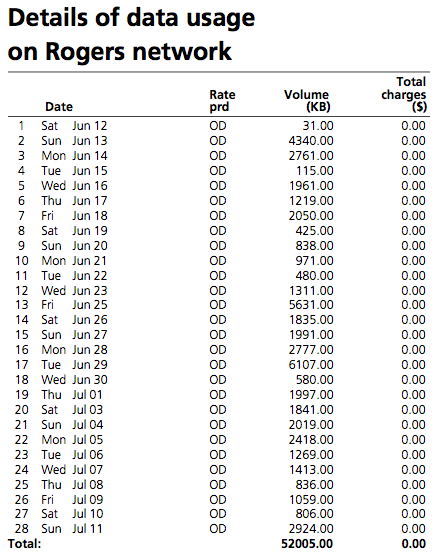
So I’m only using about 10% of my 500MB monthly allowance, which surprised me. I’m ditching the N95 in favour of a Google Nexus One next week, so I’ll get a chance to see whether my usage habits on that new device cause me to use more or less data.
🗓️
Now that Confederation Landing Park is again available to we in the neighbourhood after almost a month of being closed, Oliver and I were able last night to resume our nightly walk along the Charlottetown waterfront.
As it was a dreary, rainy day, we had the park pretty well to ourselves. As we walked around the park’s oval track, surveying the damage wrought the events of the past month, we came across a pile of assorted waste from the week’s filming of the Live with Regis and Kelly television program in the park:
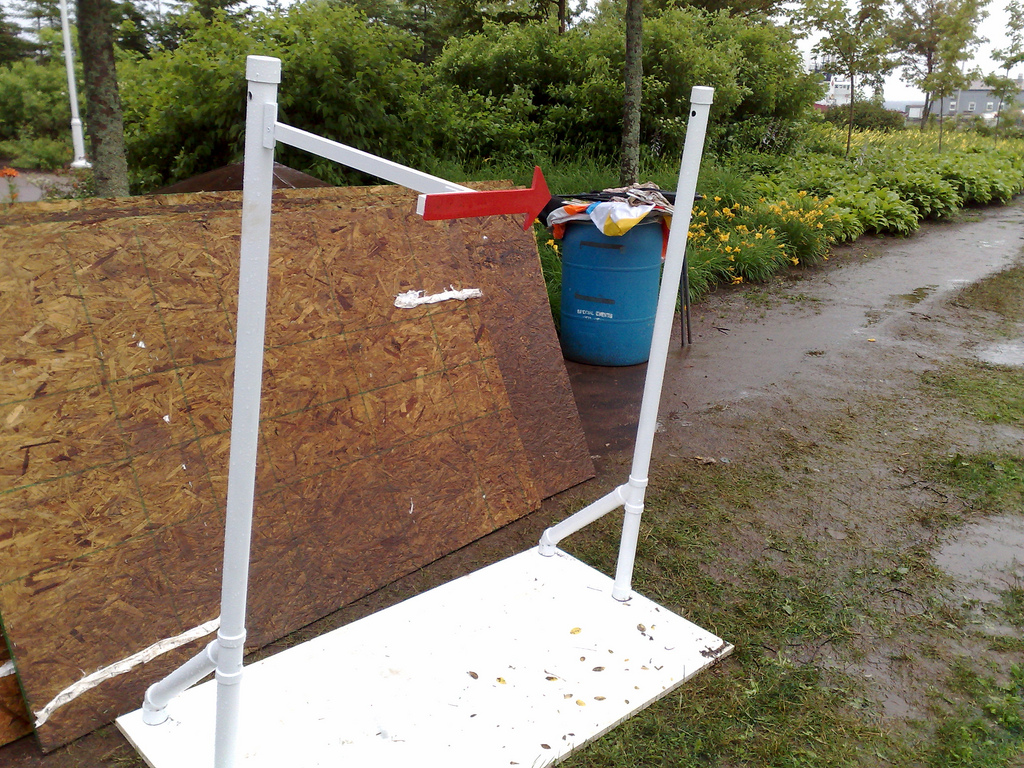
The white stand made from pipe with the red arrow attached was used for the trivia game that starts every episode of the show: it had a large beach ball with the available prizes attached to it that was spun around by a volunteer from the audience.
In the blue barrel beside the pile we found the (now-deflated) beach balls that were thrown into the audience, and underneath them (yes, we were archaeological in our approach) we found a collection of cue cards from the show. Feeling a responsibility to Island historical documentation, we grabbed them all out of the trash, lined them up in the rain, and shot a photo of each one:
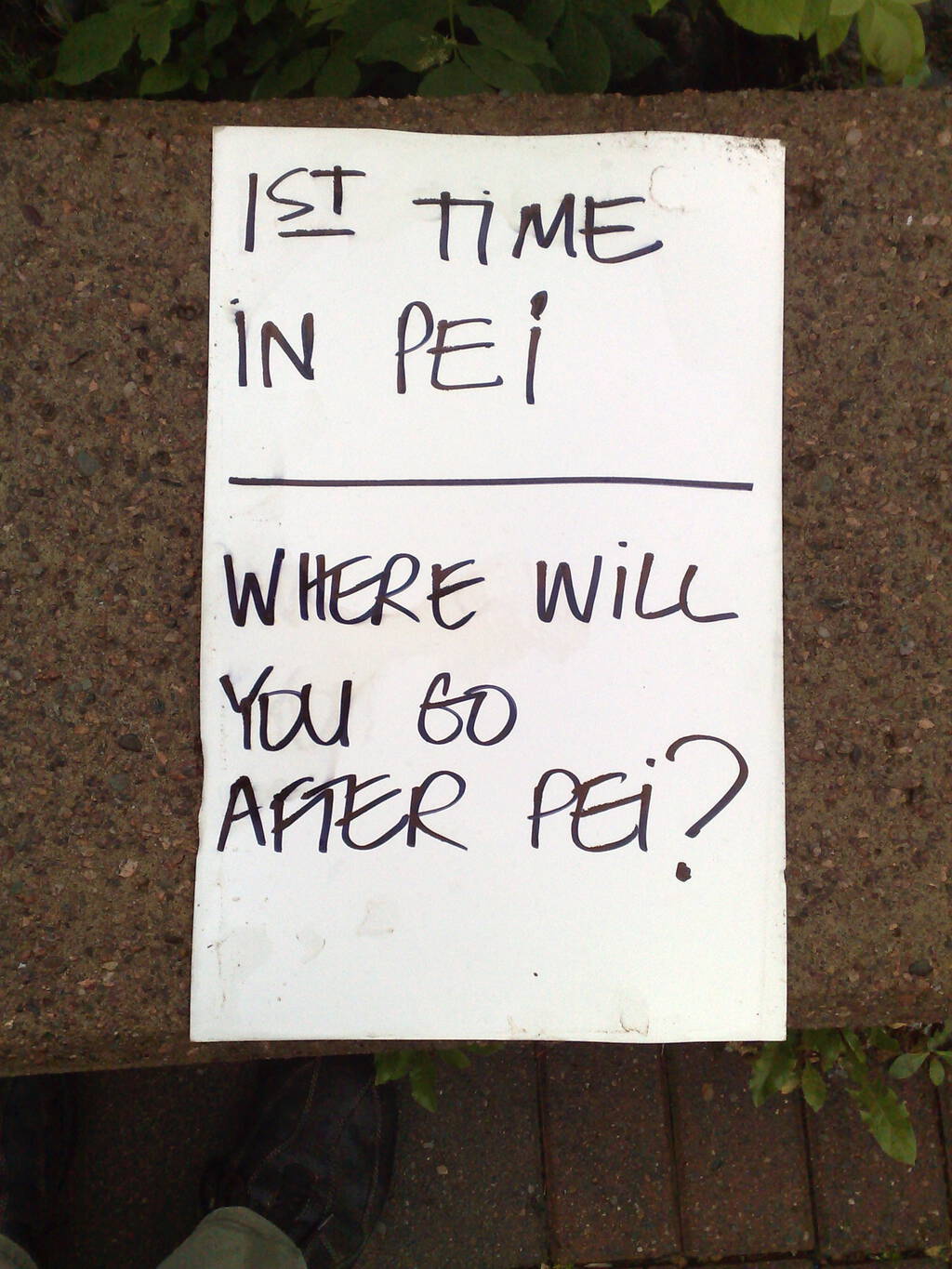
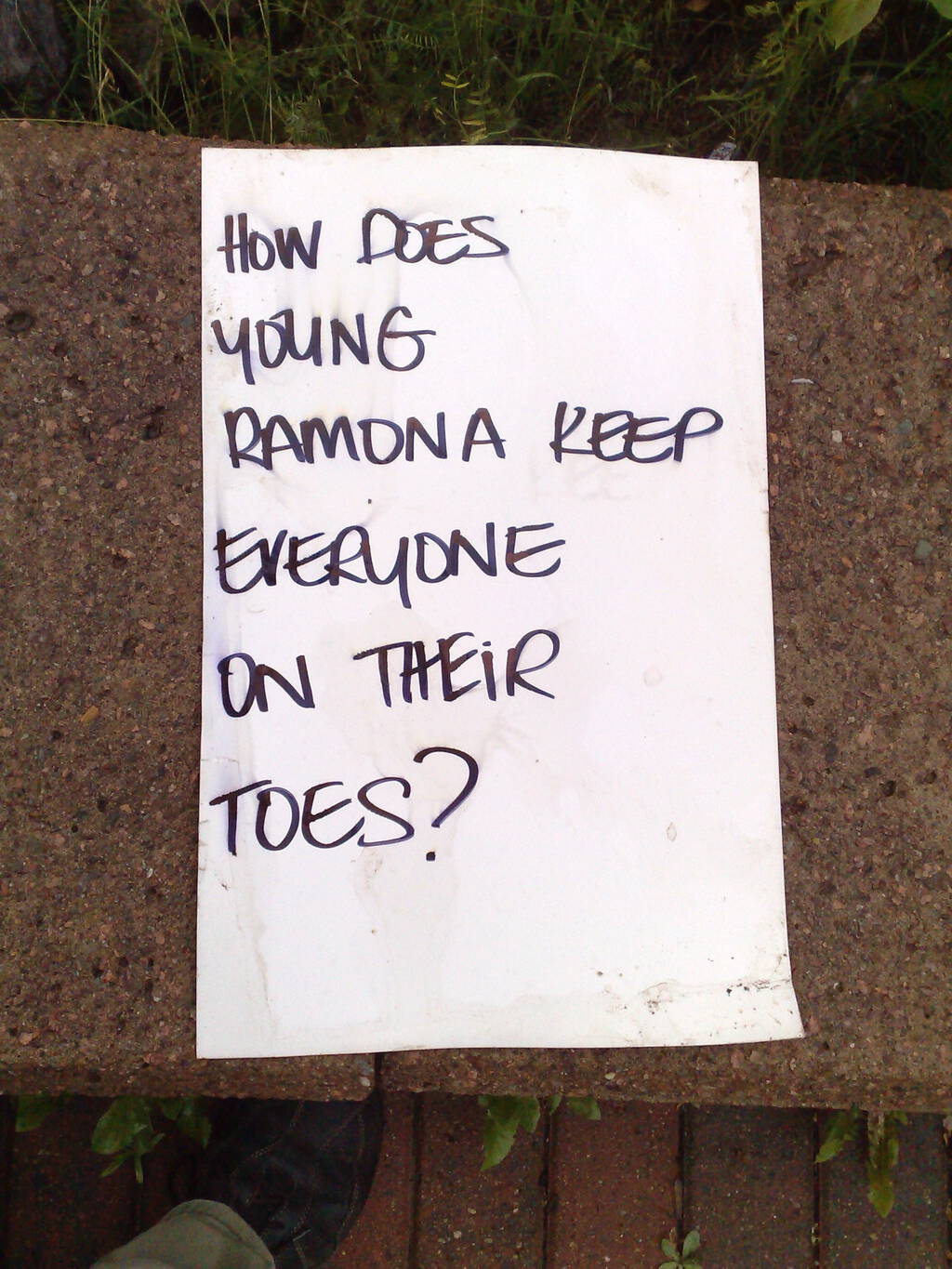
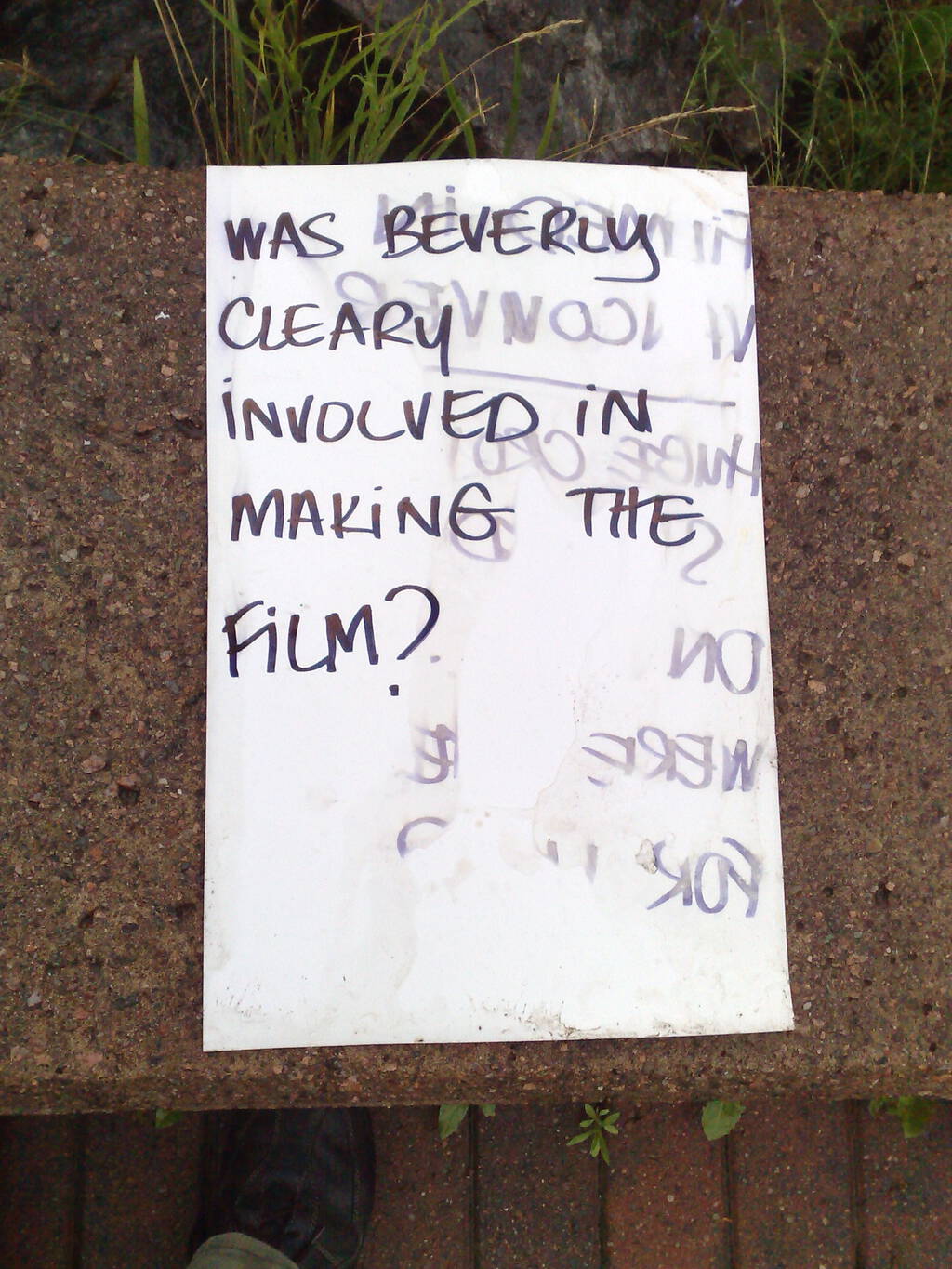
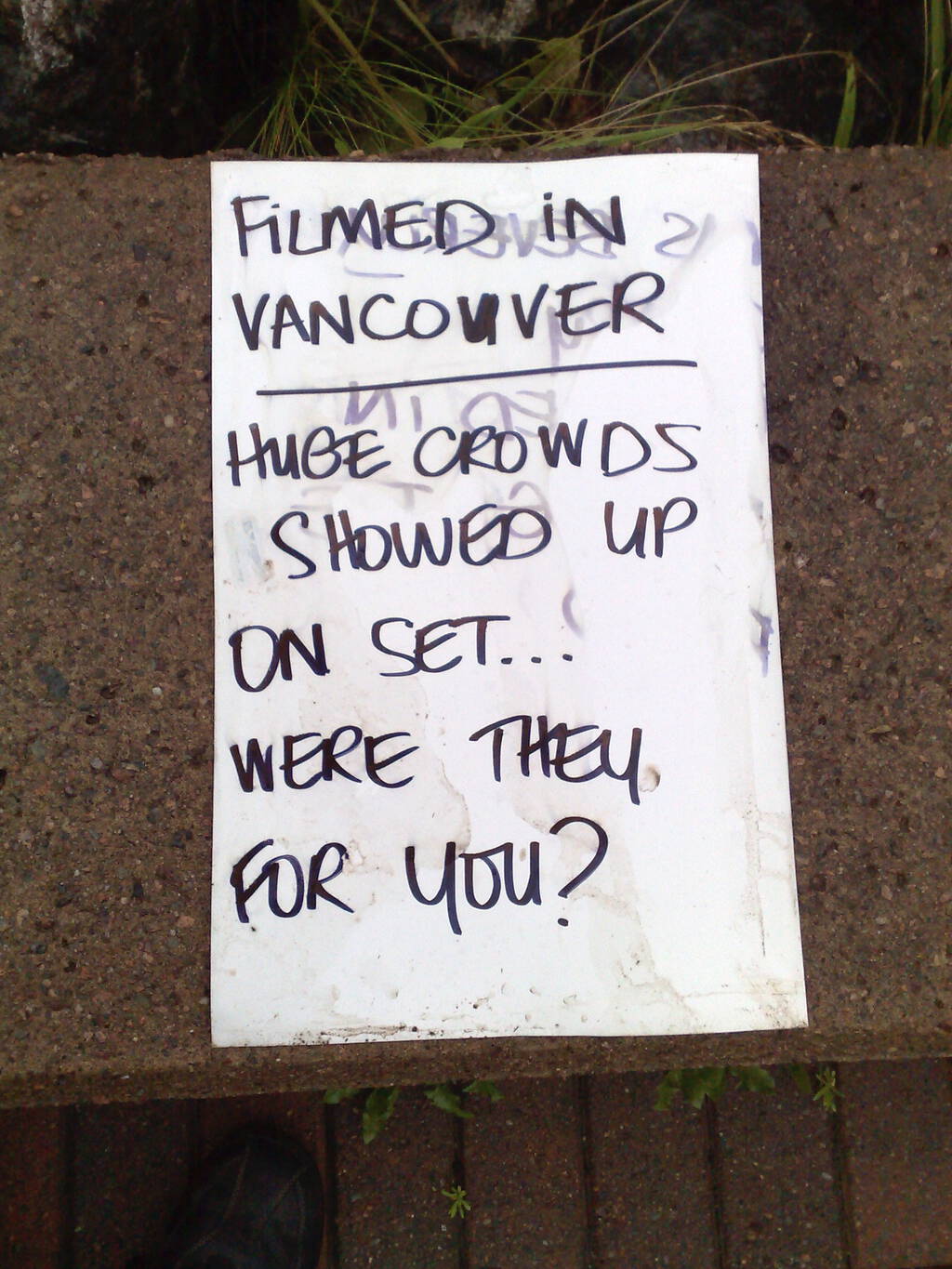
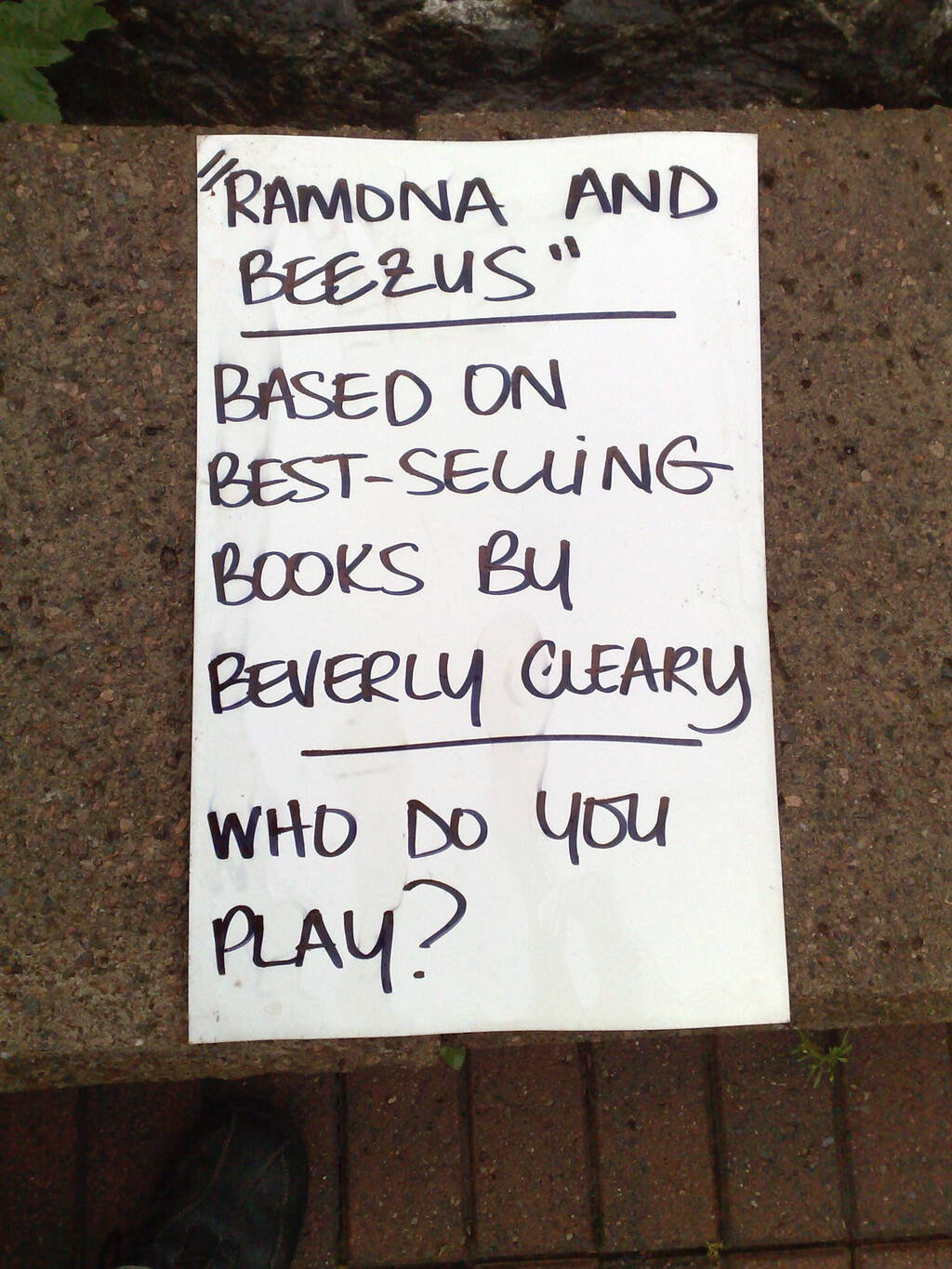
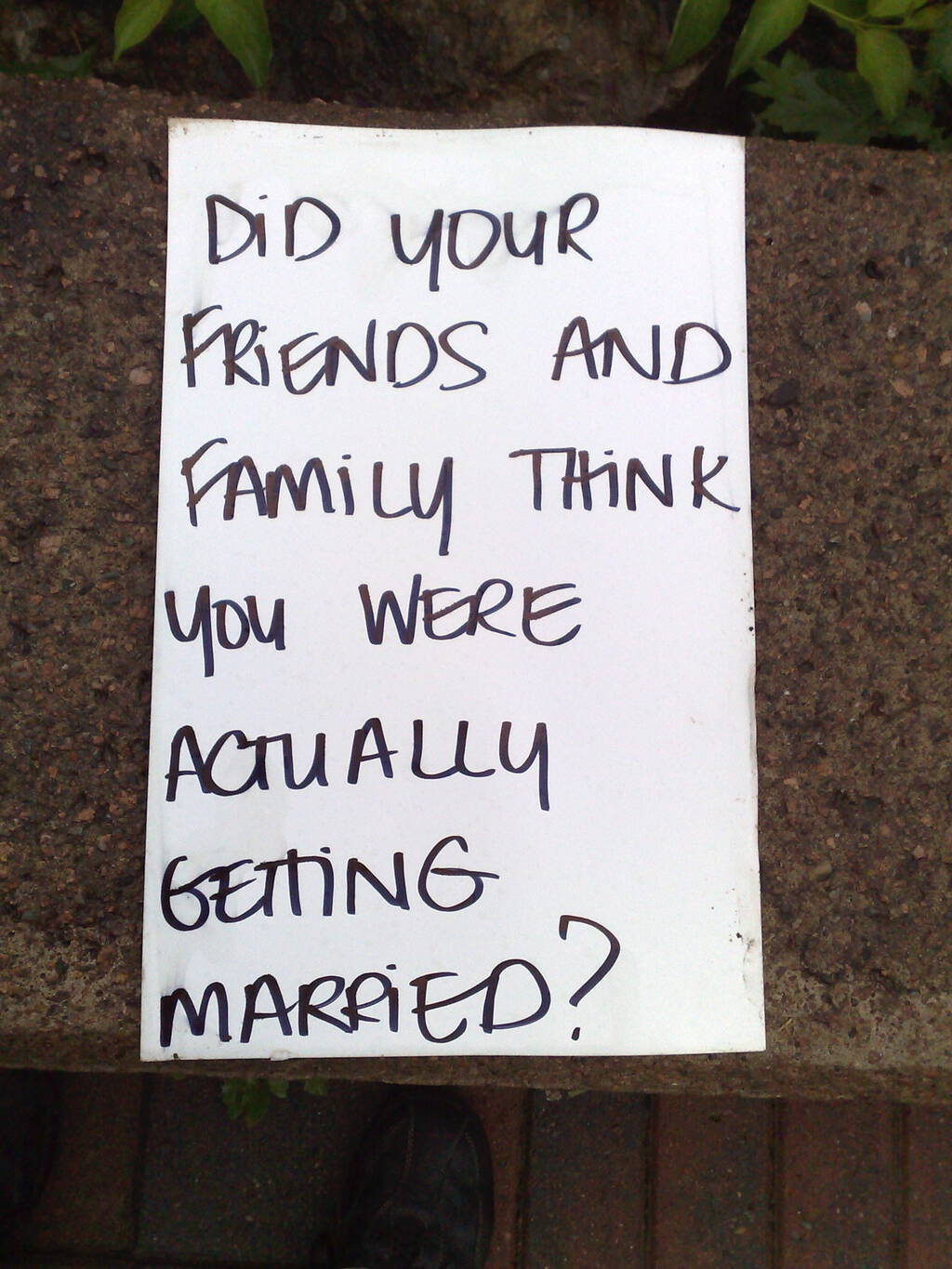
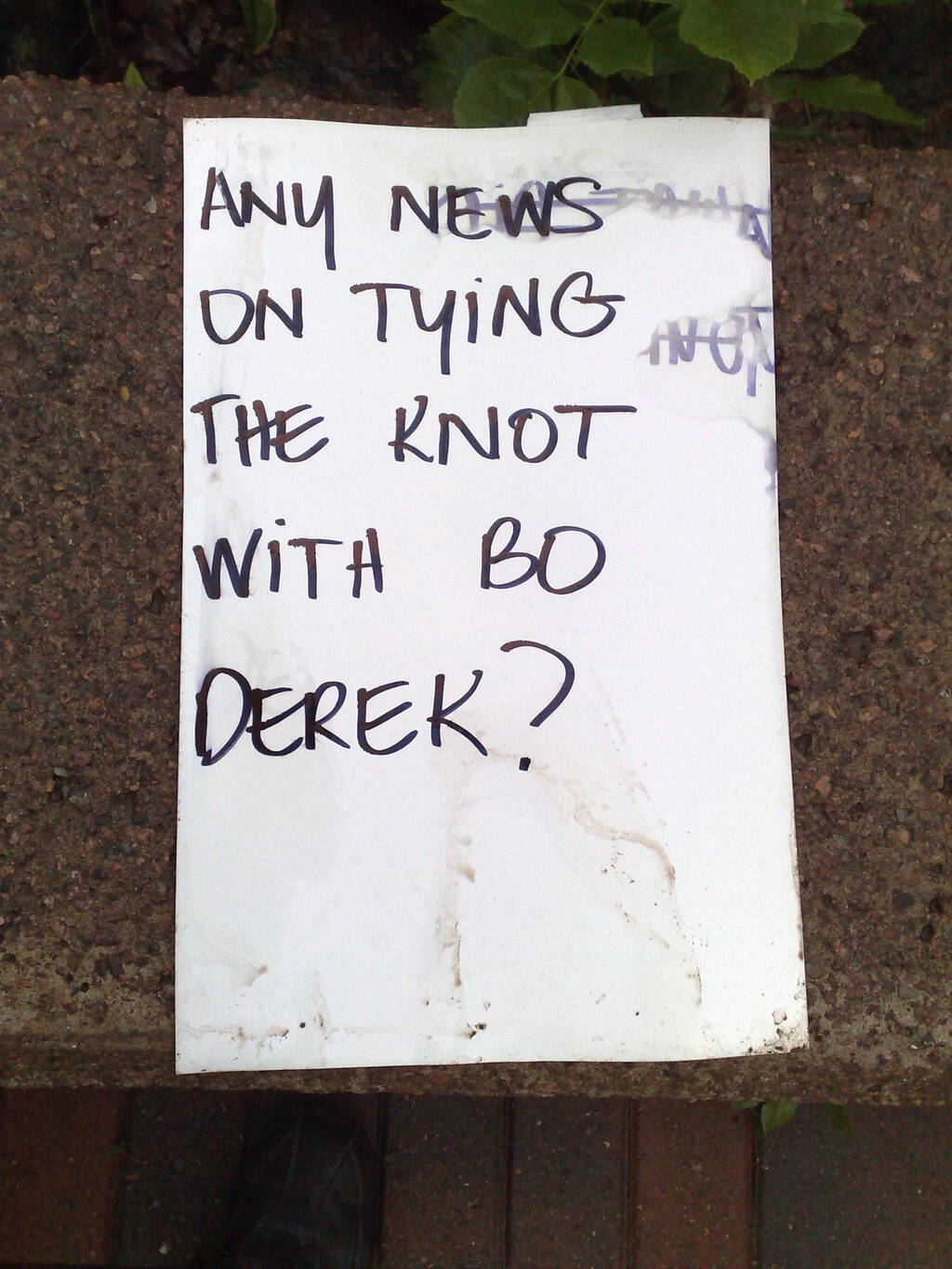
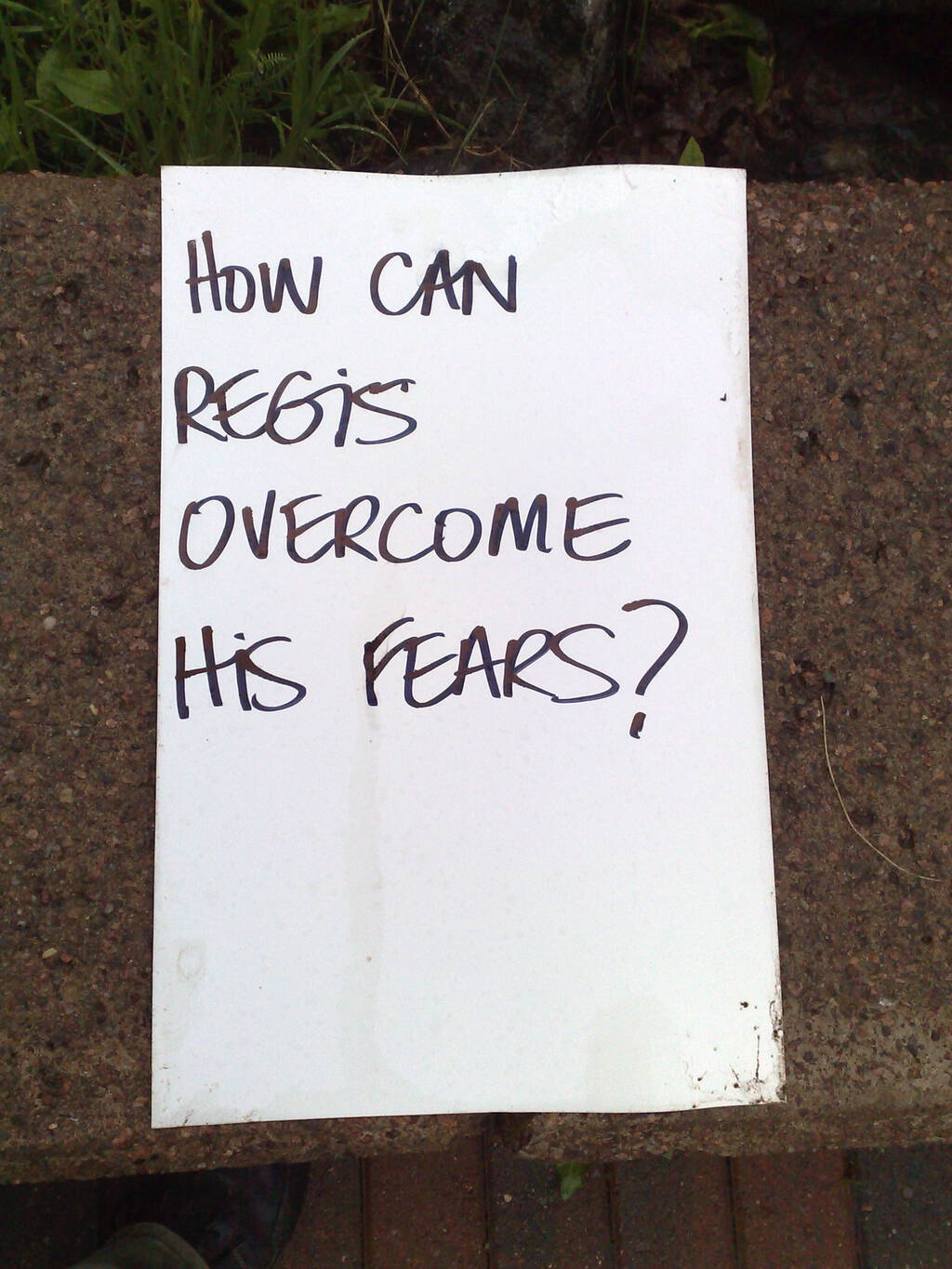
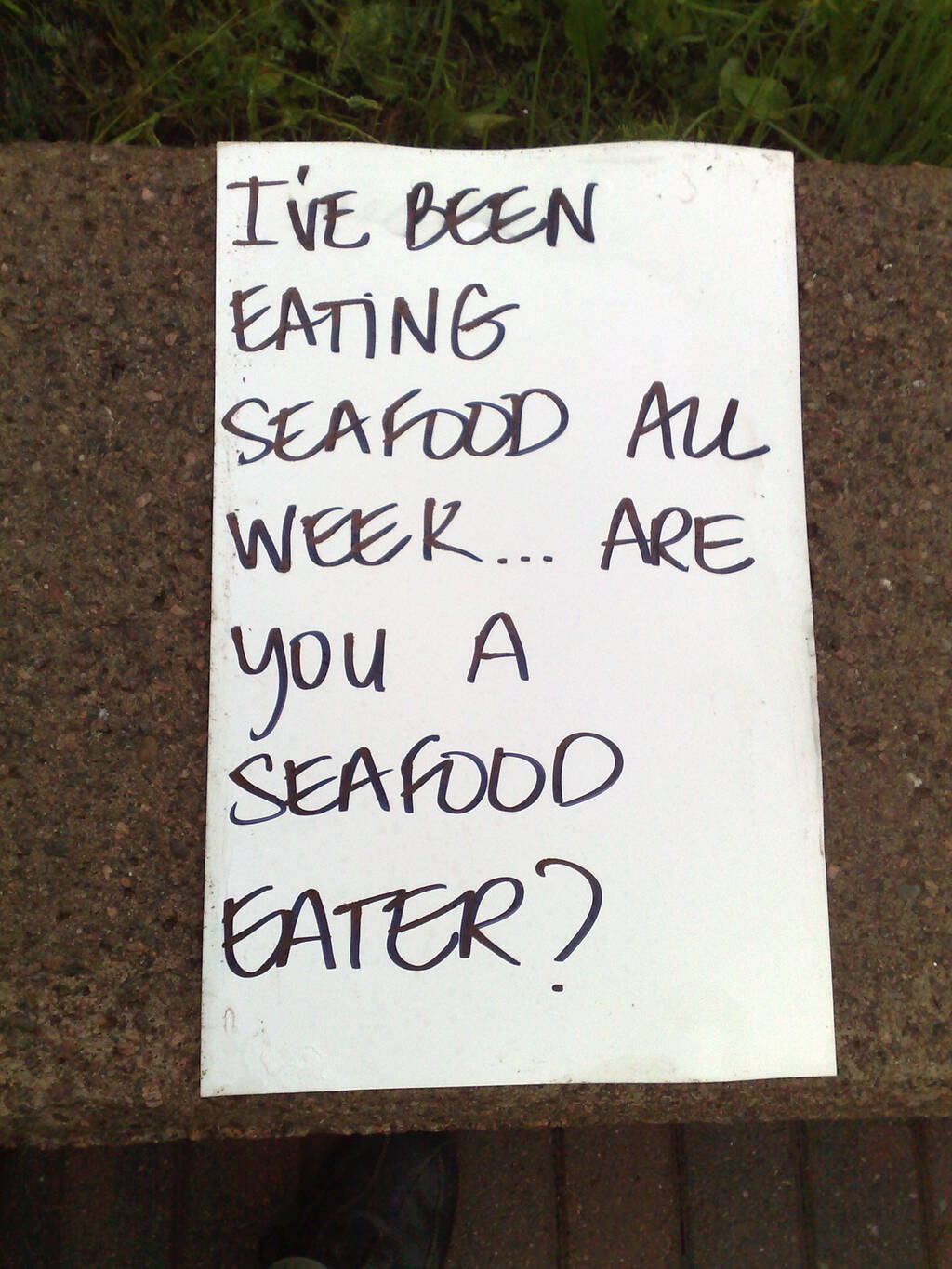
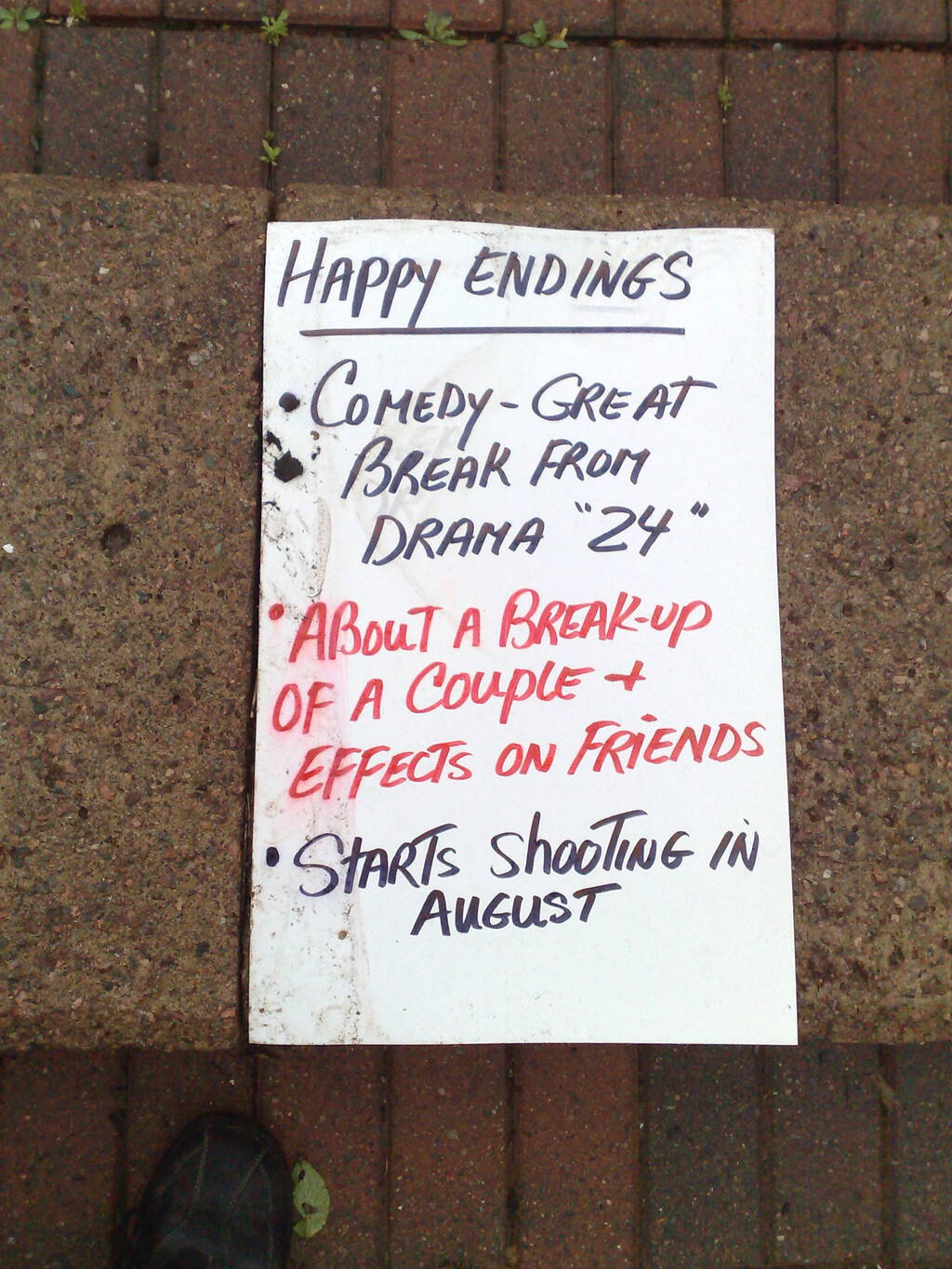
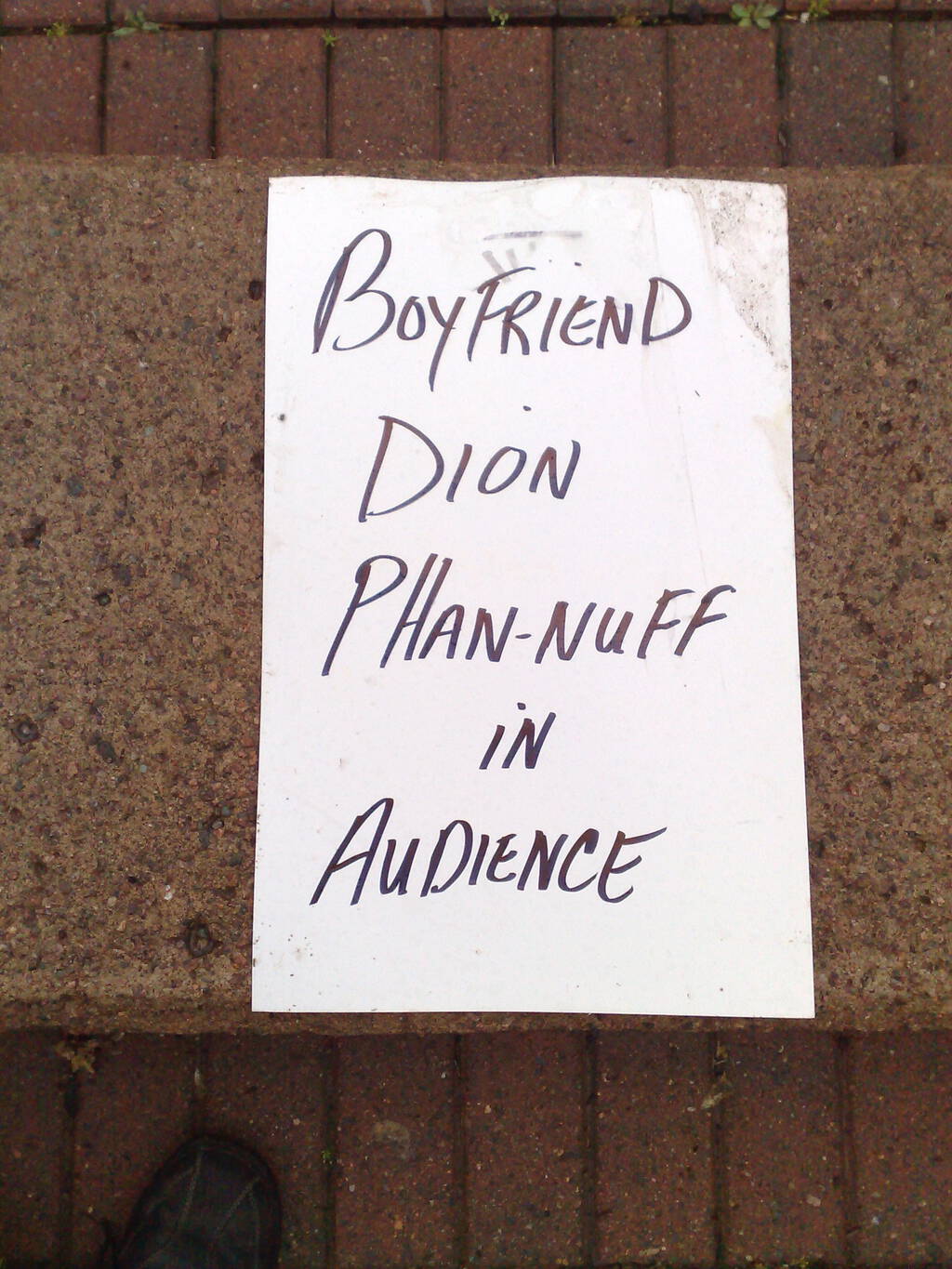
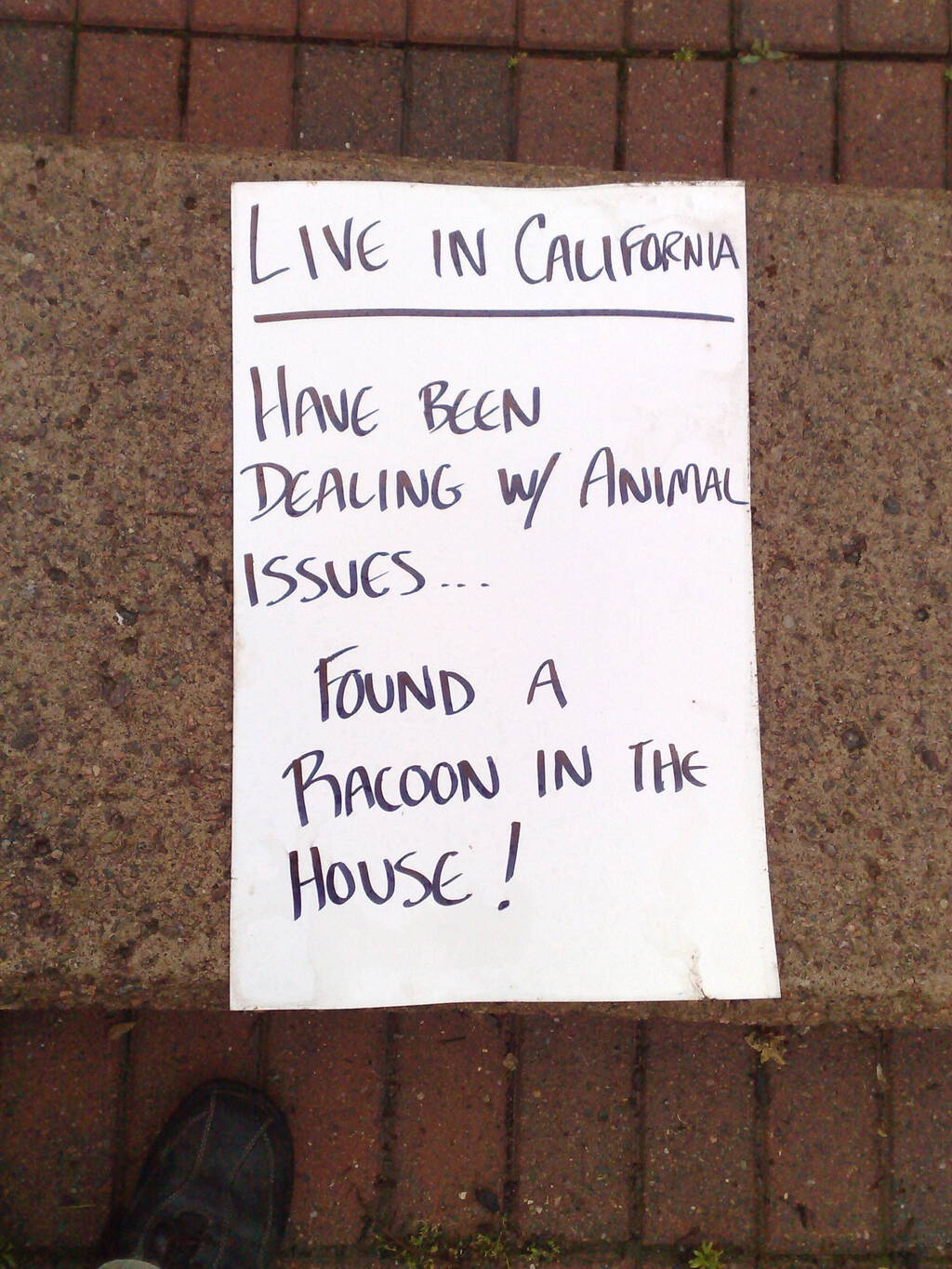


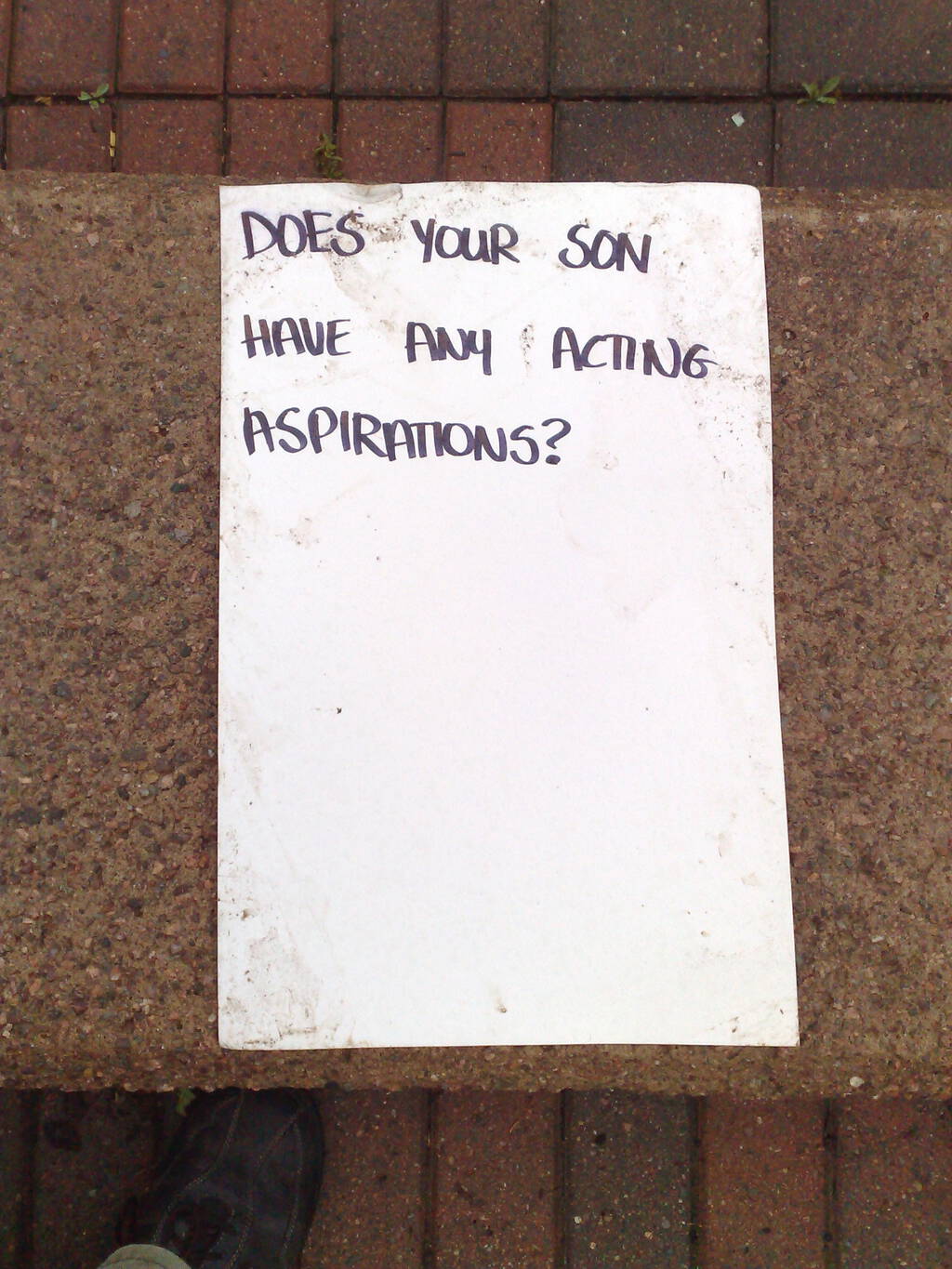
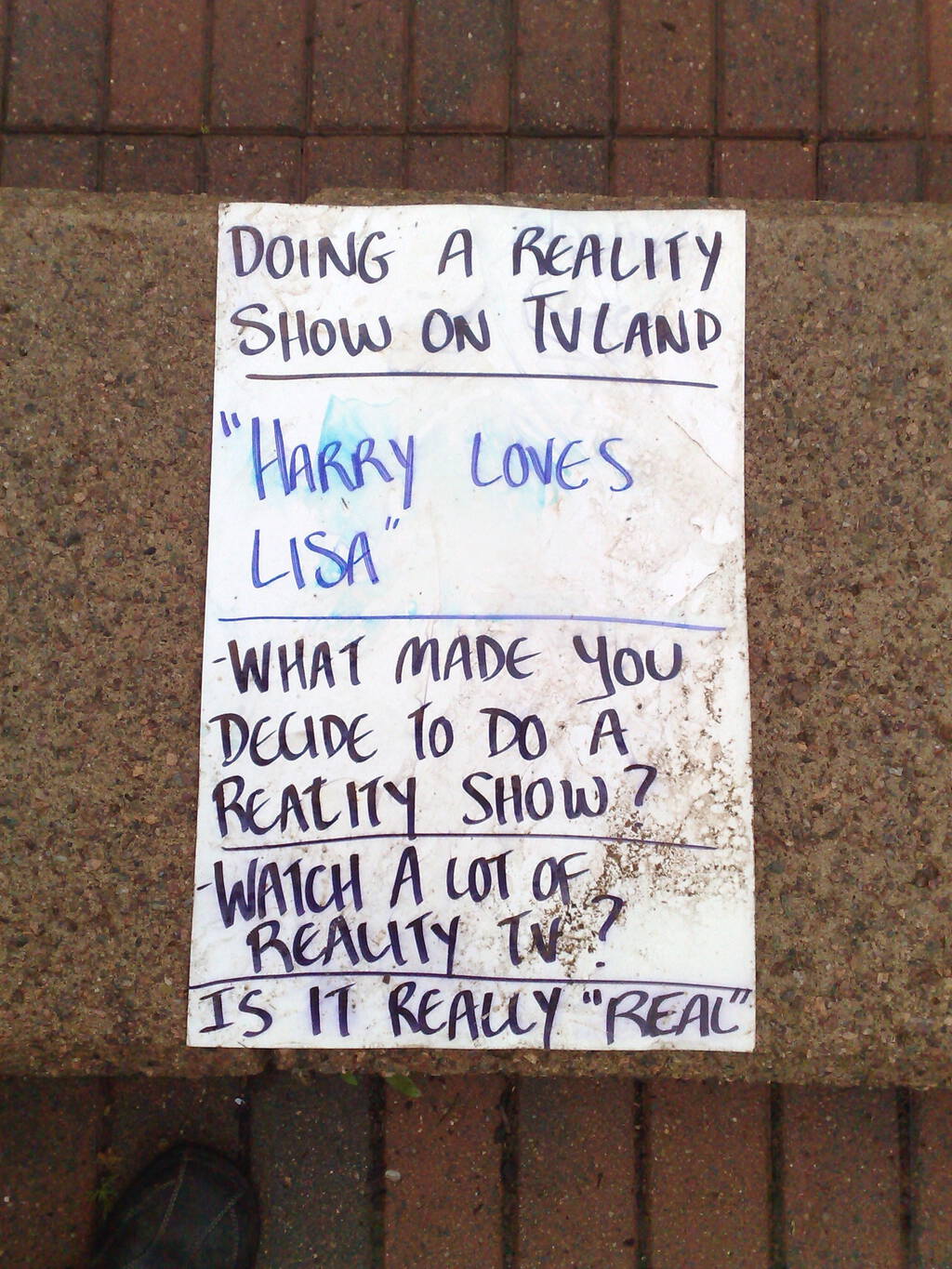

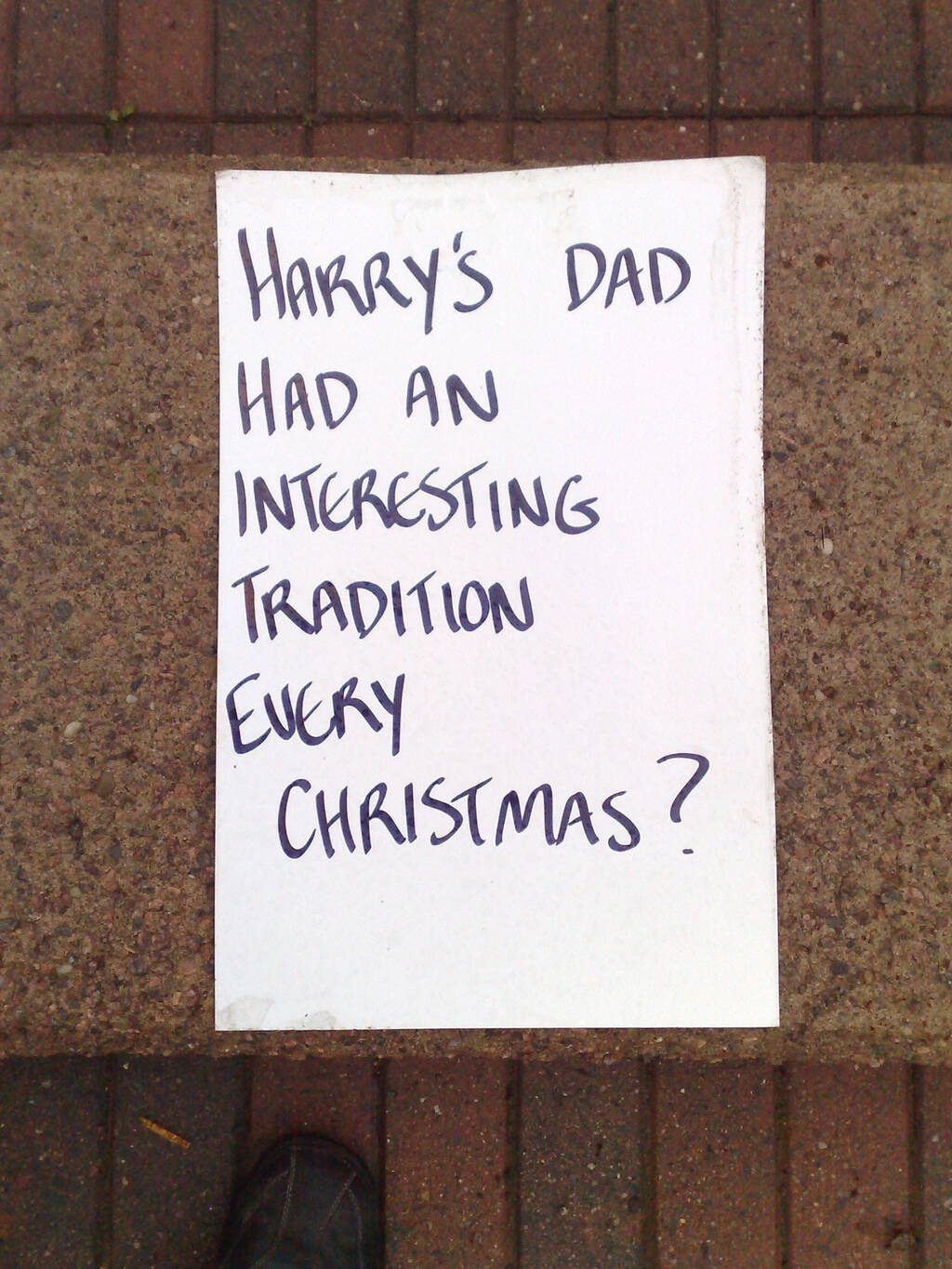

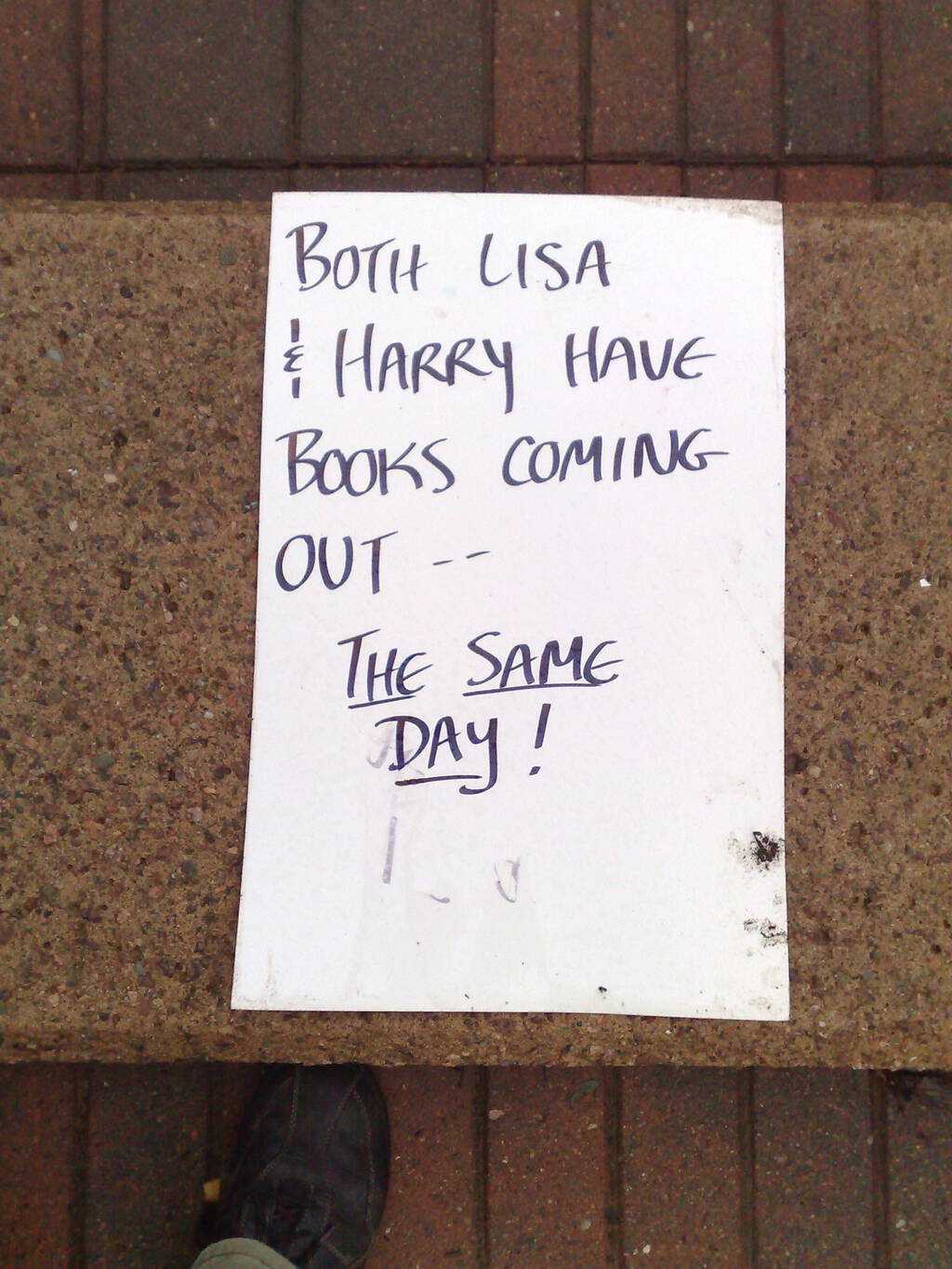
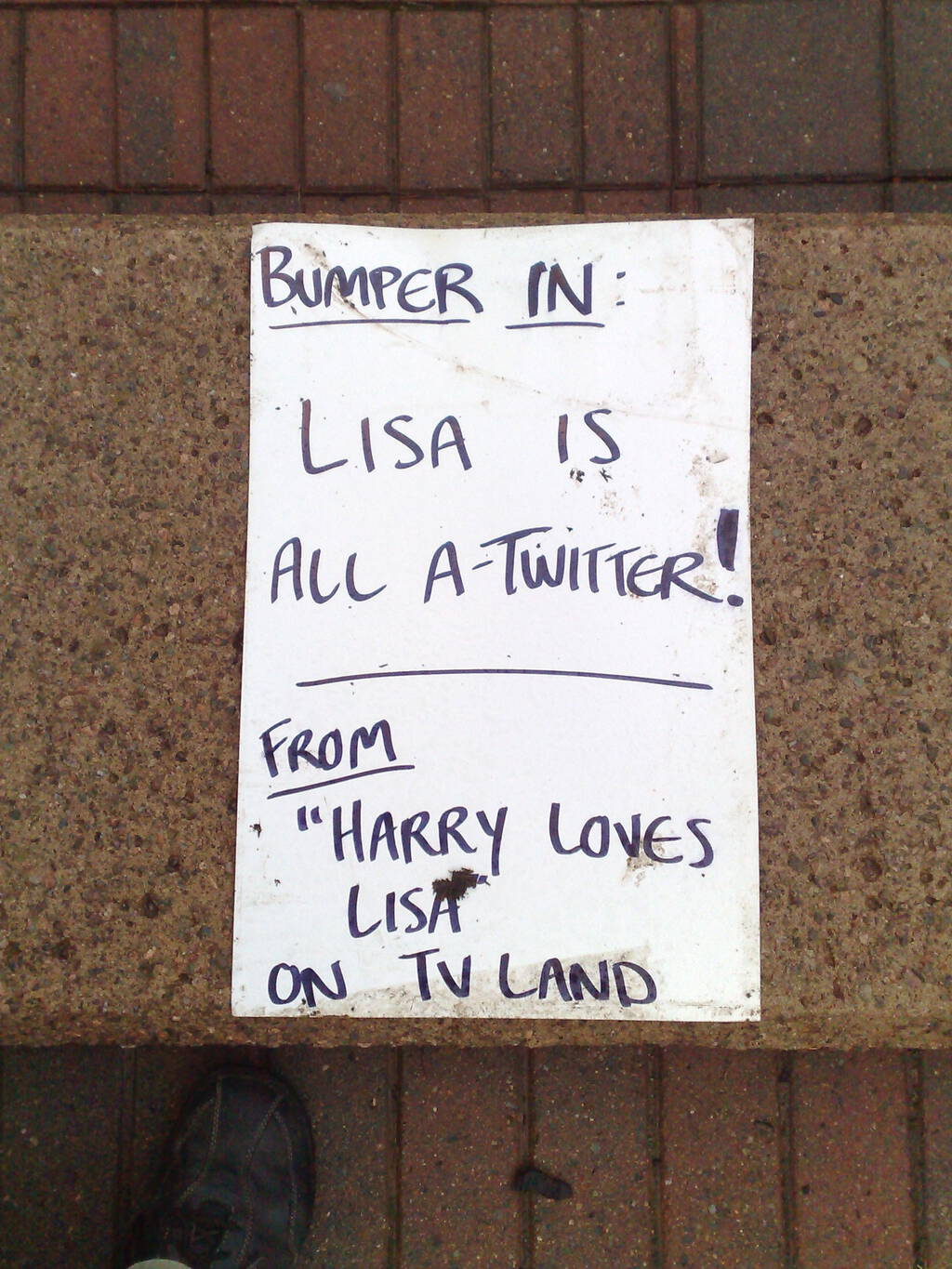


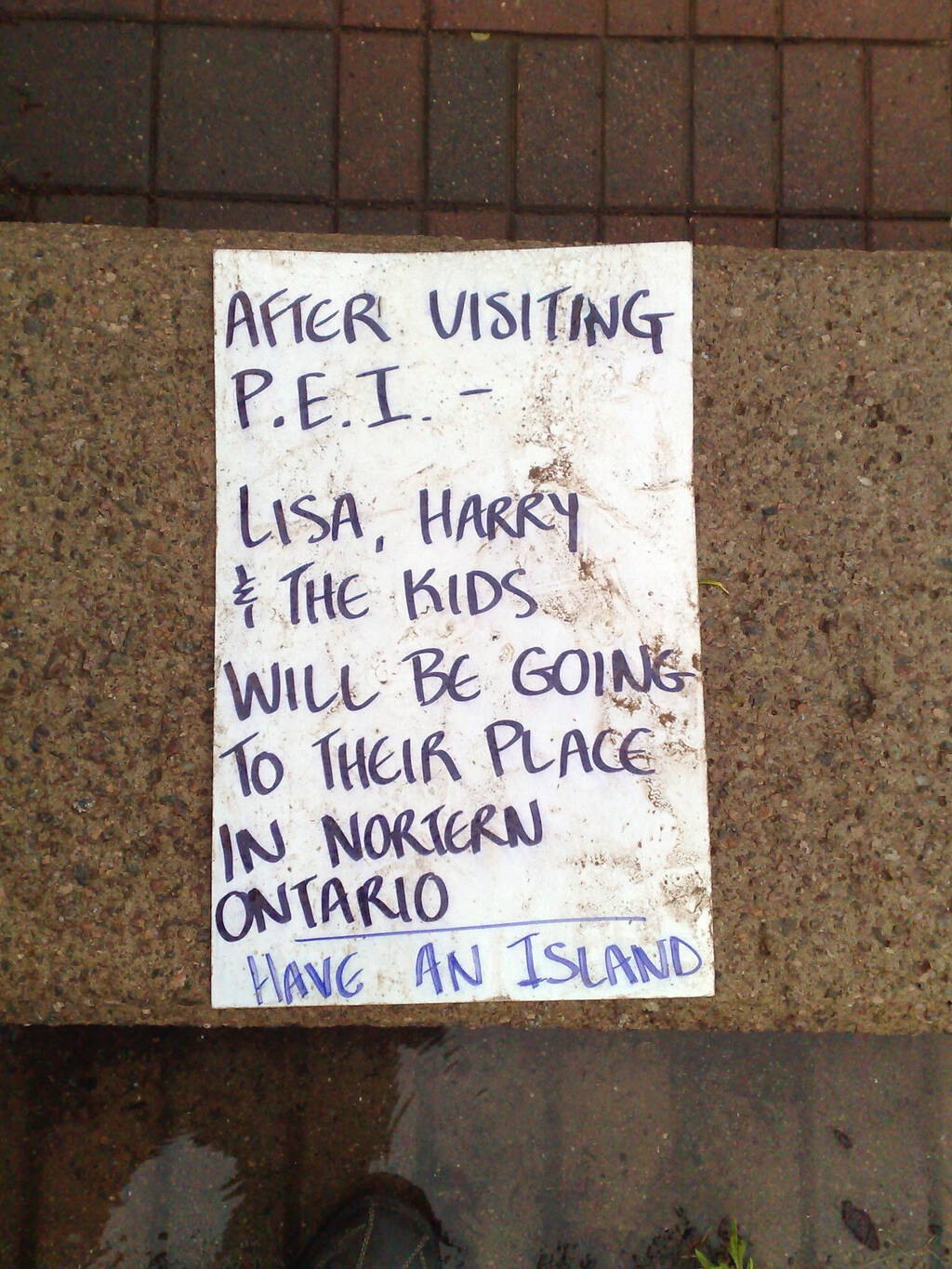
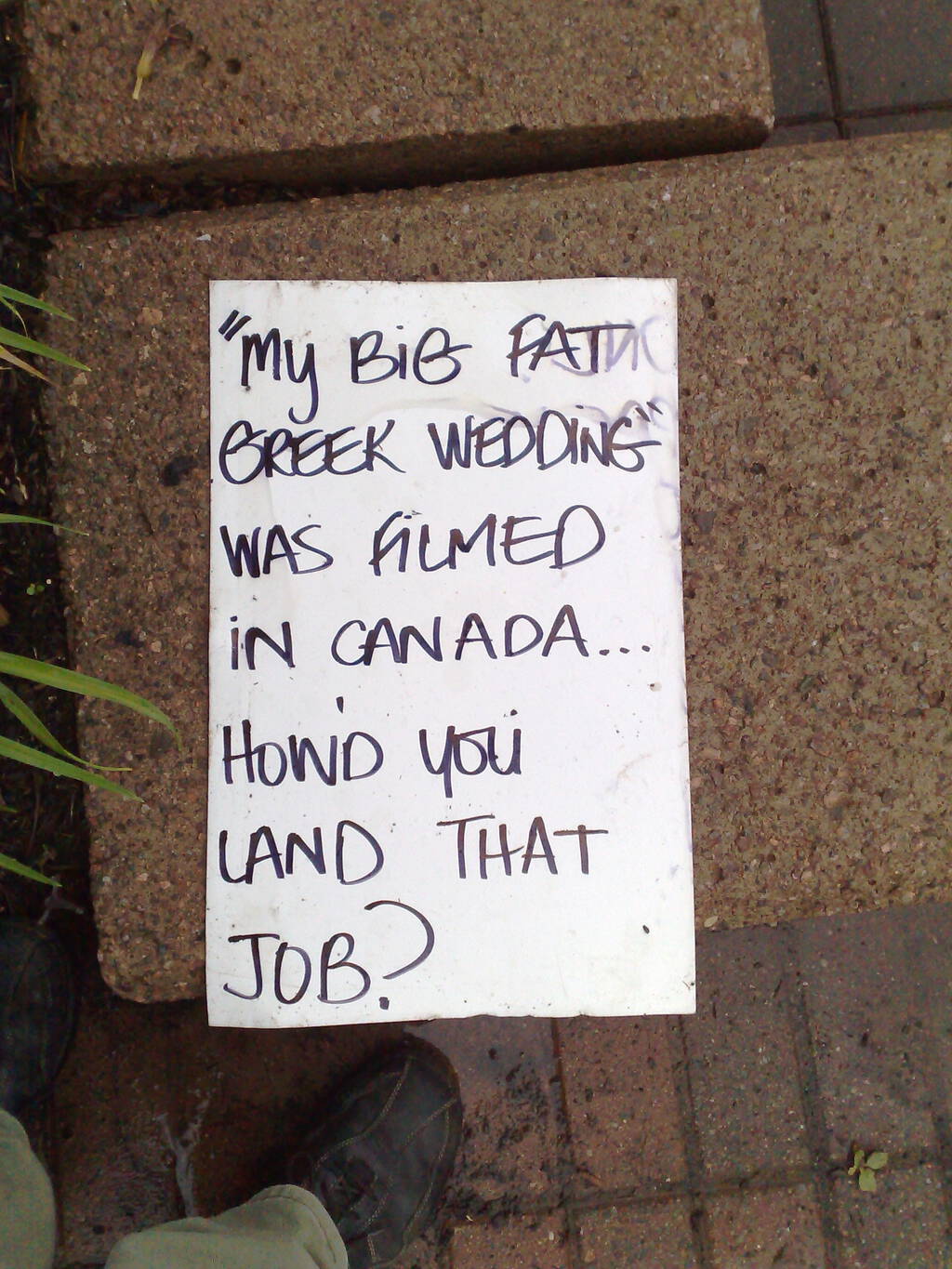
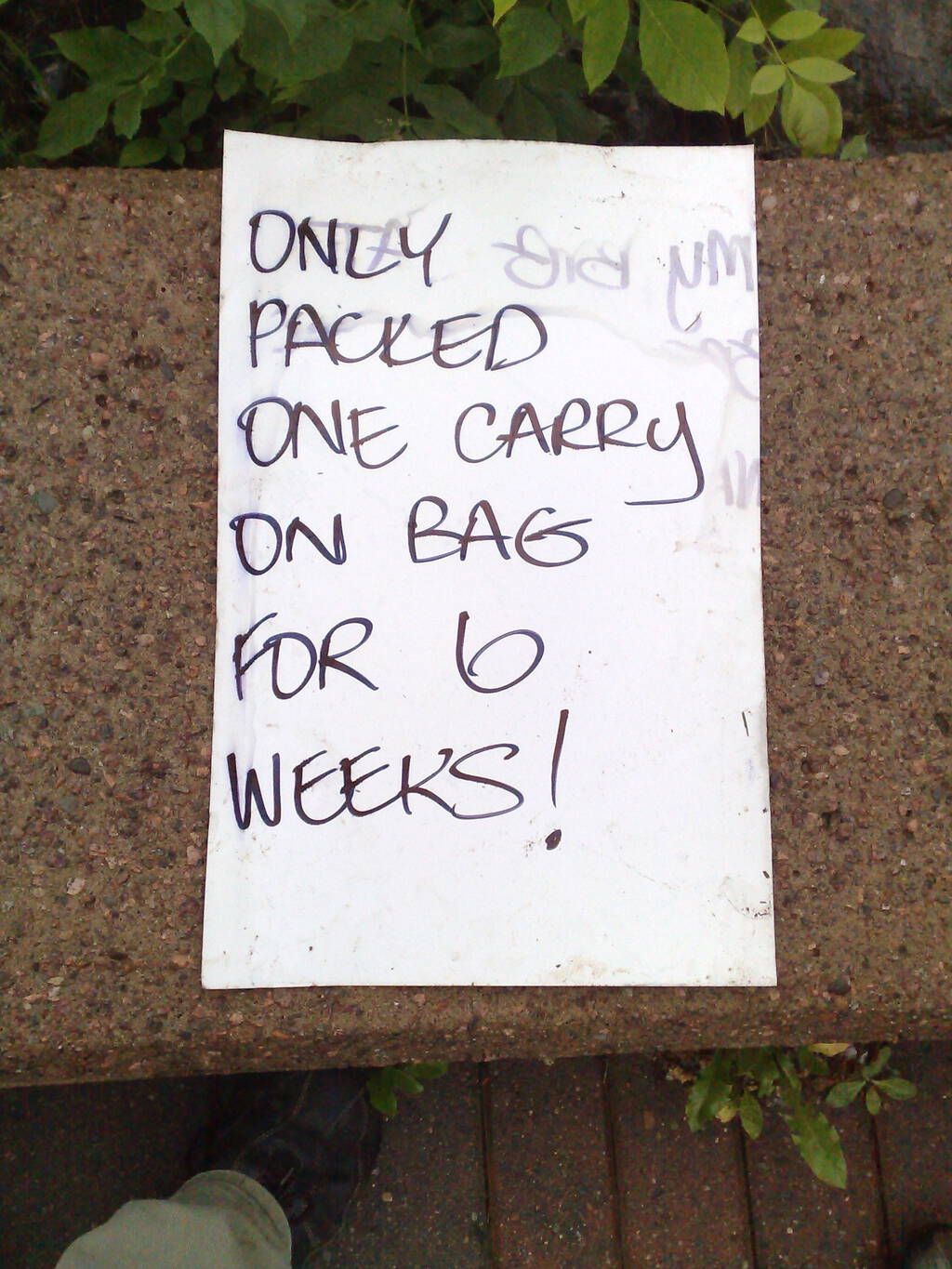
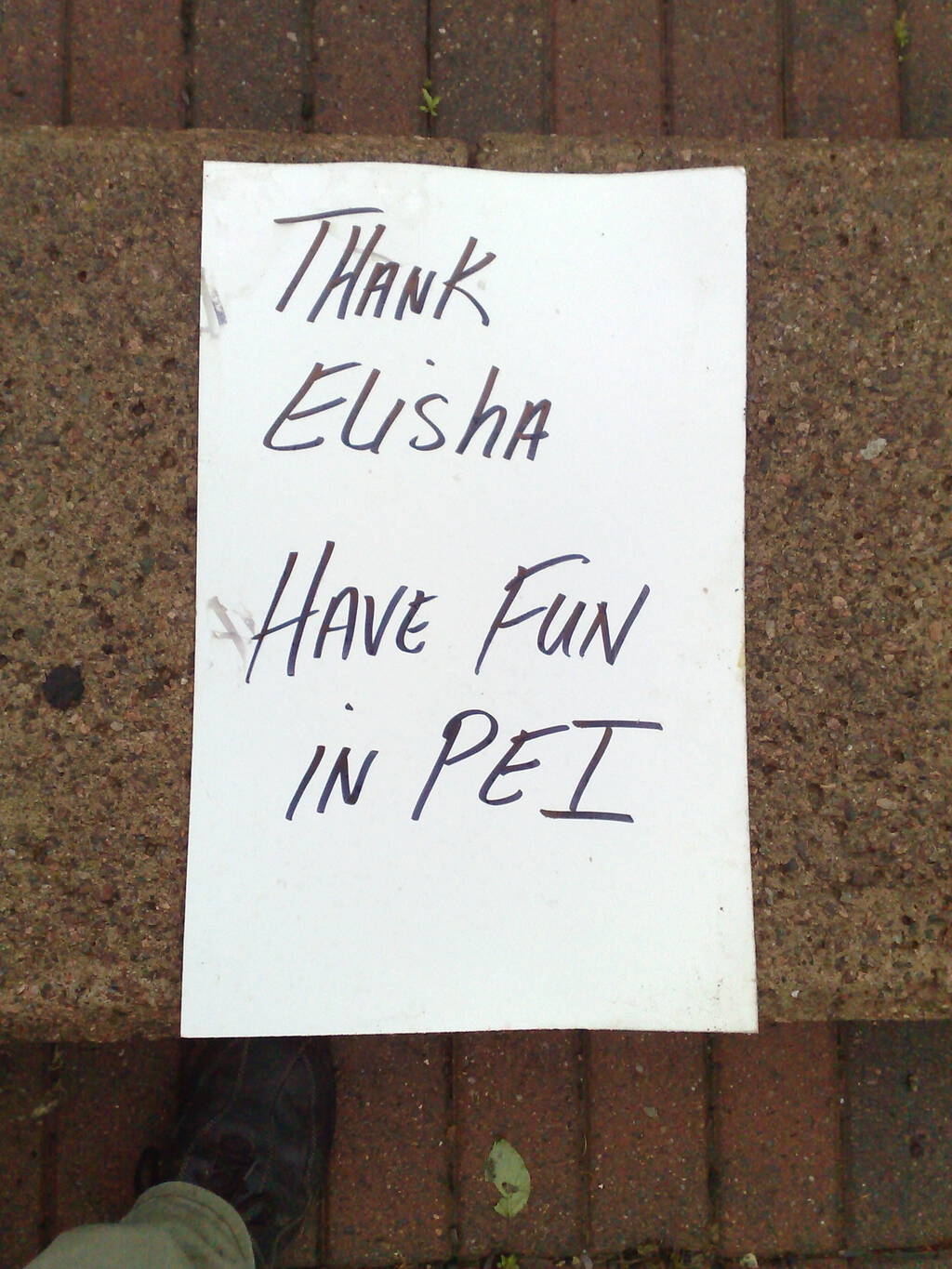

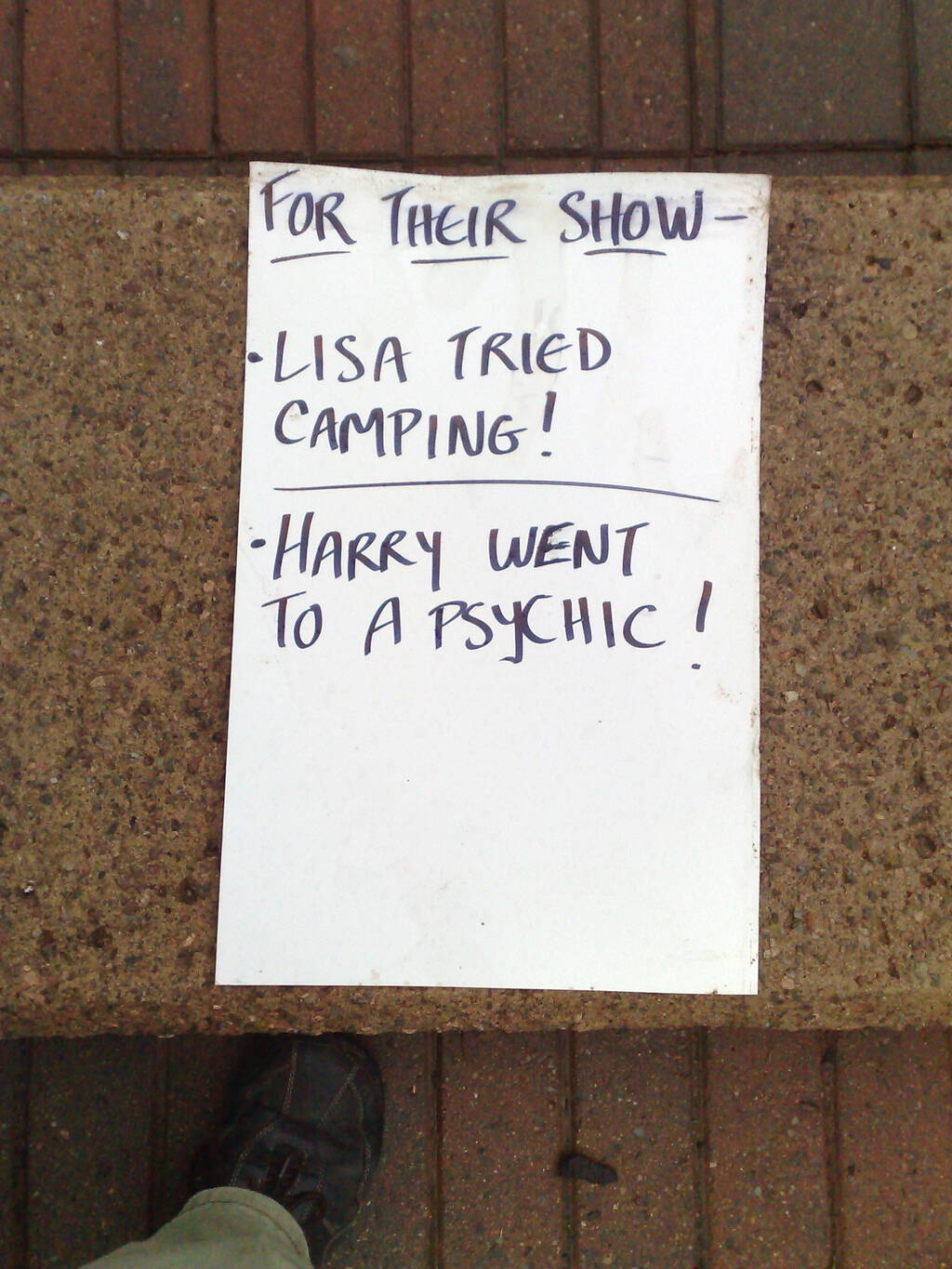
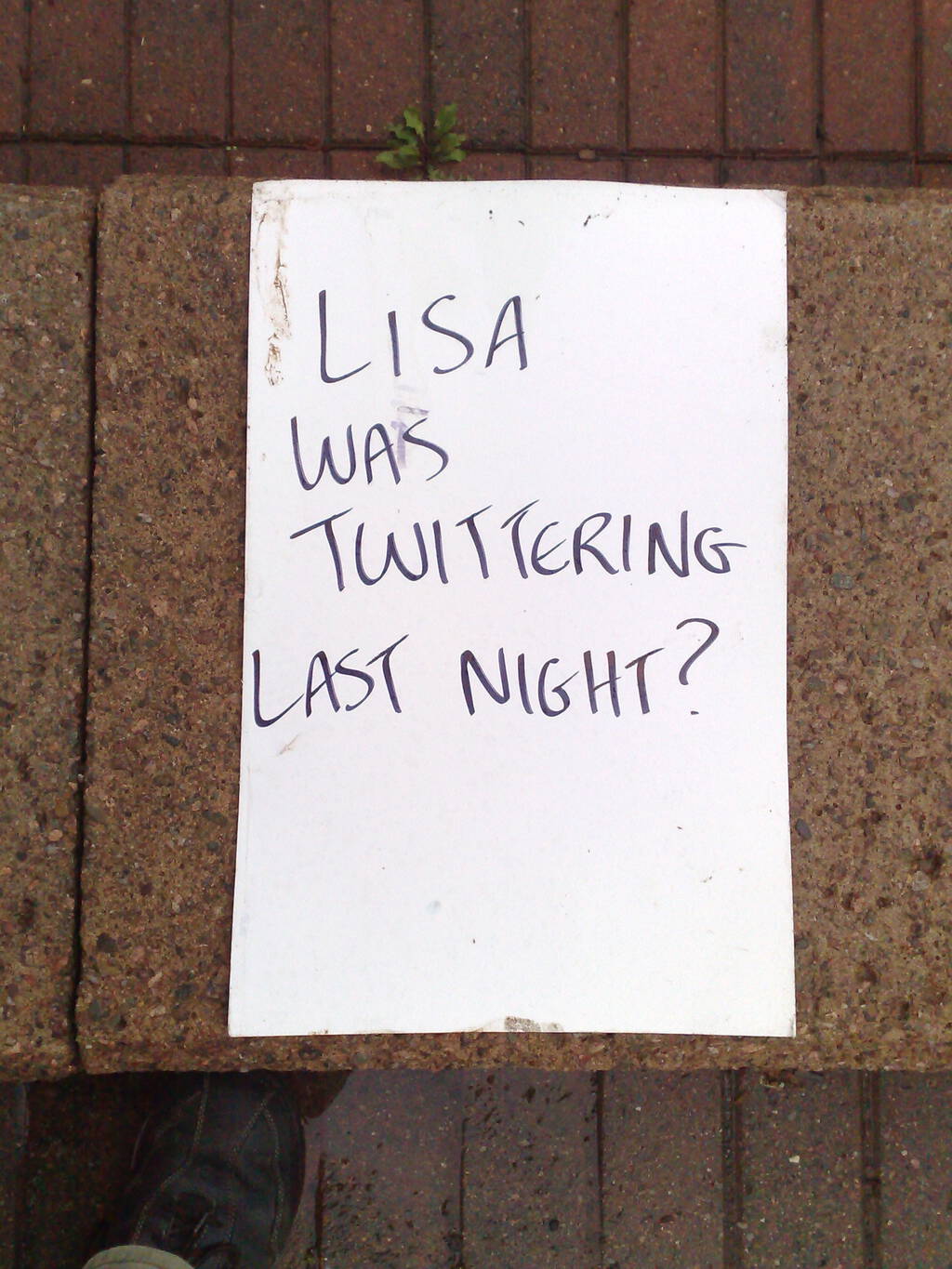
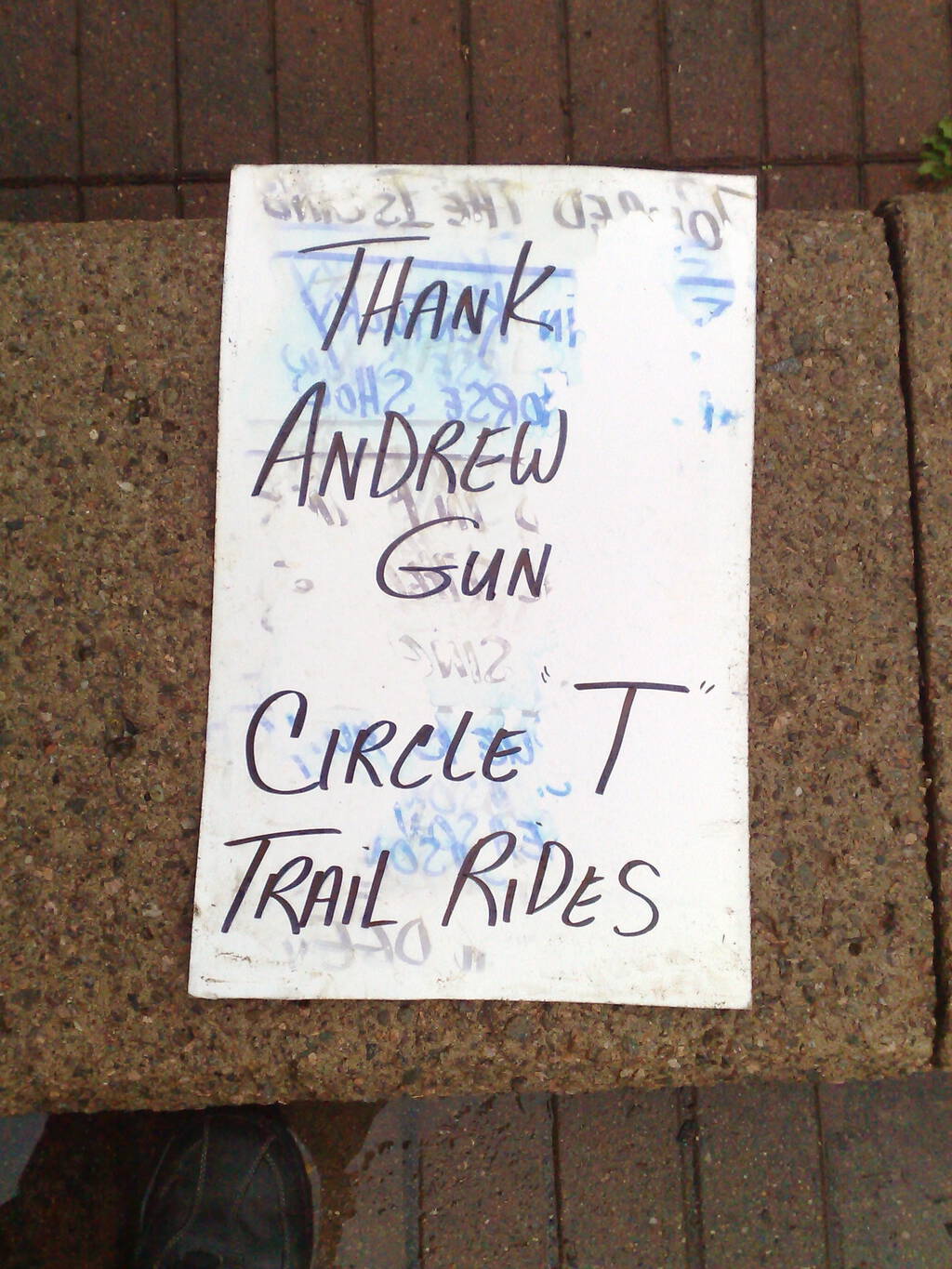
Boiled down to its most vapid like this, it’s a stark reminder of how, despite its entertaining qualities and the unquestionable benefits that accrued to Prince Edward Island tourism from the show’s location shoot, Regis and Kelly is essentially free of content of any sort.
🗓️
About This Blog
 I am Peter Rukavina and this is my blog. I am a writer, letterpress printer, and a curious person.
To learn more about me, read my /now, look at my bio, listen to audio I’ve posted, read presentations and speeches I’ve written, see things I’ve favourited elsewhere, or get in touch (peter@rukavina.net is the quickest way).
I have been writing here since May 1999: you can explore the 25+ years of blog posts in the archive.
 You can subscribe to an RSS feed of posts, an RSS feed of comments, an RSS feed of favourites elsewhere, or a podcast RSS feed that just contains audio posts. You can also receive a daily digests of posts by email. I also publish an OPML blogroll.
Instagram • YouTube • Vimeo • ORCID • OpenStreetMap • Internet Archive • PEI.art • Drupal • Github.