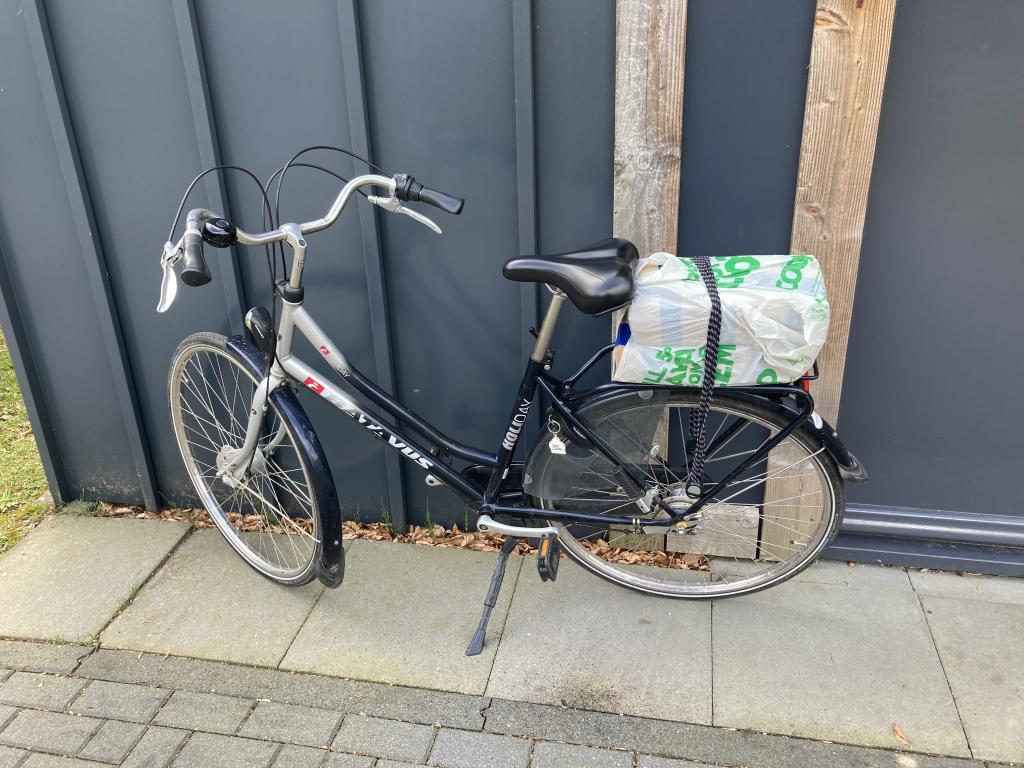
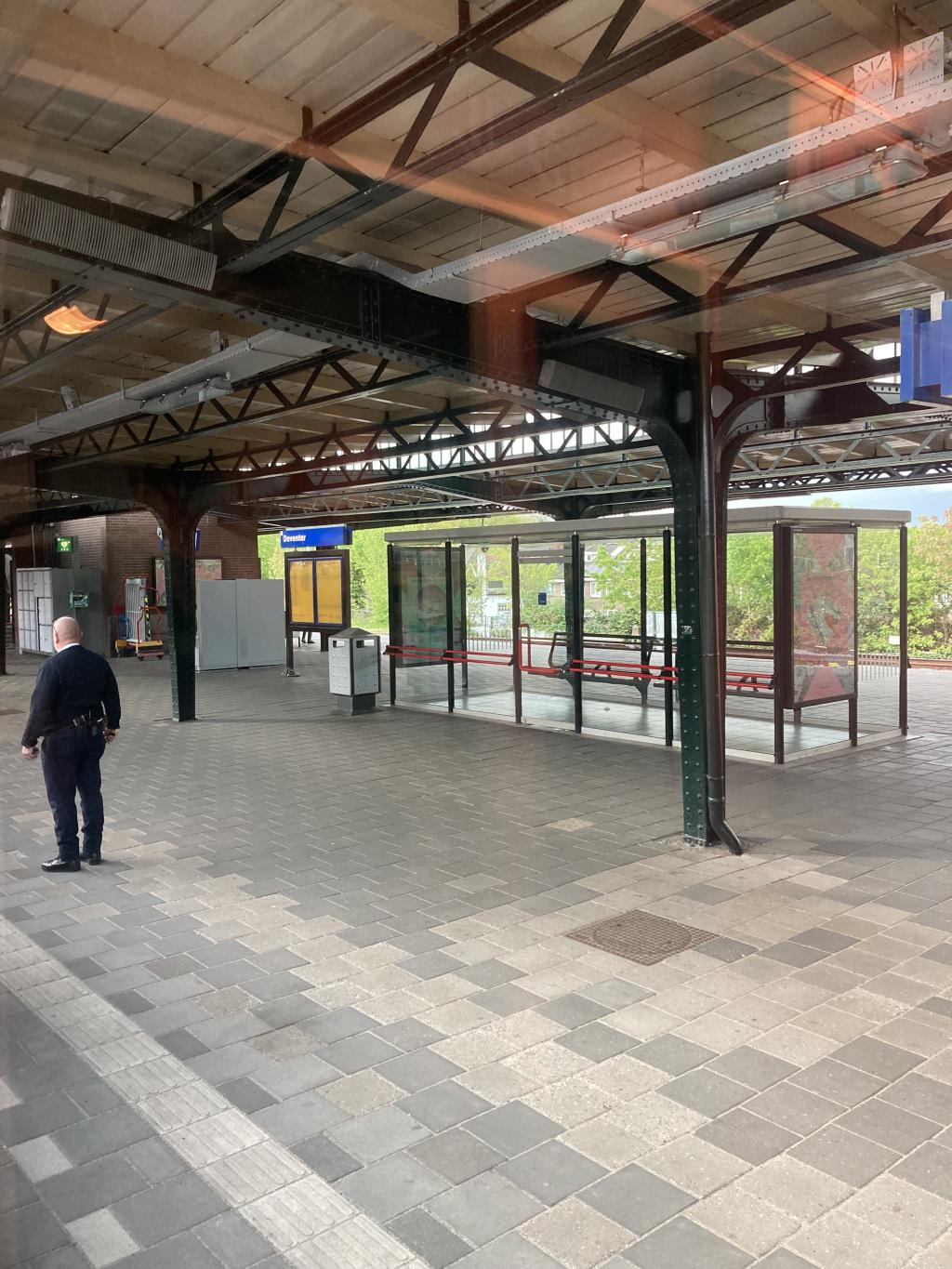
To New Hampshire by Train (sort of)

At this end of this month I will make what, by my count, will be my 30th trip this decade to visit my colleagues at Yankee Publishing in Dublin, New Hampshire. Over those ten years (in in the years before) I’ve taken all manner of routes from Charlottetown to Dublin: I’ve driven straight there; I’ve driven the leisurely route with the family along; I’ve flown via Halifax, via Montreal, via Ottawa and via Toronto; I’ve driven to Montreal and driven south through Vermont; I’ve flown to New York City and then back to Boston and driven from there.

One thing I’ve never done, however, is take the train to Dublin. And so this time, at least partially, I decided to try that.

I don’t have the time nor patience to take the train all the way from Charlottetown, so I’m flying to Montreal first and taking the train from there. Sort of.

Amtrak doesn’t make it easy to get to southern New Hampshire from Montreal by train: its “Vermonter” route, which once went all the way into Montreal, now stops at St. Alban’s, Vermont, a town 25 km from the Canadian border. So here’s what I’m doing:

  1. On May 30 I’m flying from Charlottetown to Montreal on Air Canada’s direct flight, arriving Trudeau Airport at 1:23 p.m.
  2. I’ll hop on the “747” bus from the airport into downtown Montreal’s bus station where I’ll catch the 3:45 p.m. Greyhound bus to Burlington, Vermont.
  3. I’ll stay overnight at the lovely La Quinta near Burlington Airport (which is where the Greyhound terminal is), and then on May 31 I’ll catch the 9:25 a.m. “Vermonter” Amtrak train south to Brattleboro, Vermont, arriving at 12:20 p.m.
  4. In Brattleboro I’ll get picked up by Enterprise Car Rental at the station with a rental car, and I’ll then drive the 50 km to Dublin, NH.

So, despite my protests about having not enough time nor patience for the train, my journey will take me about 24 hours to complete.

Not content to let this wild adventure end, the following Friday I’ll return the rental car to Brattleboro and continue on the same train south to New York Penn Station where I’ll arrive at 6:24 p.m., rendezvousing with Catherine and Oliver who, being sane and all, will not take any trains at all and will instead fly to LaGuardia via Montreal direct from Charlottetown.

We’ll spend 4 nights in New York City before returning via Air Canada on Tuesday, June 11.

The total cost of my air, train and bus travel will be $546, which is not bad for Charlottetown-Montreal-Burlington-Brattleboro-New York-Montreal-Charlottetown.

How to change the search provider for Firefox OS phones from Bing to Google

One of the great things about having the source code to your phone’s operating system is that you can change your phone’s behaviour in ways you wouldn’t be able to otherwise.

For example, on my Geeksphone Peak the default search provider in the browser is Bing. I’d like to switch this to Google because I like Google’s search results better. Currently this isn’t a user-configurable option in the phone’s settings (although this might change soon), but it’s possible to change nonetheless.

It turns out to be relatively simple to do this, at least once you’ve got a workflow set up to build Gaia, the Firefox OS user interface. In the source tree for you’ve grabbed from github, find and edit the file gaia/apps/browser/js/browser.js and change:

DEFAULT_SEARCH_PROVIDER_URL: 'm.bing.com',
DEFAULT_SEARCH_PROVIDER_TITLE: 'Bing',
DEFAULT_SEARCH_PROVIDER_ICON: 'http://bing.com/favicon.ico',

to:

DEFAULT_SEARCH_PROVIDER_URL: 'www.google.com',
DEFAULT_SEARCH_PROVIDER_TITLE: 'Google',
DEFAULT_SEARCH_PROVIDER_ICON: 'https://www.google.com/favicon.ico',

Then simply build (./build.sh gaia) and flash (./flash.sh gaia) Gaia to the phone. After the flash is complete, you should find the default search is now Google.com:

Firefox OS with Google as Default Search

Brushbot Creepers Attack!

Gentle Islanders may not be aware that there are librarians in our midst this week, converging on Charlottetown from all across the Atlantic provinces for the annual conference of the Atlantic Provinces Library Association. Yesterday, under the aegis of my Hacker in Residence posting I presented a pre-conference workshop called DIY Mapping for Librarians and then, in the afternoon, I had the pleasure of sitting in on a workshop presented by Don Moses and Krista Godfrey called Playing in the Technology Garden, a session that, to my surprise and delight, focused on the possibilities of building makerspaces and fablabs inside libraries.

Krista and Don started off the workshop with a fun “making” activity, passing out Brush Bot kits to everyone in the hall. Essentially you strap a battery and a mobile phone vibrator into a toothbrush head and then watch it dance around the table. The activity was a good tone-setting, and helped convey that you don’t need soldering irons or 3D printers to do “maker” activities inside a library.

Of course if you do have a 3D printer, well then you don’t necessarily need a toothbrush anymore. A few weeks ago, as part of Open Minecraft Lab, Don printed me up some Minecraft “creepers” on his 3D printer and I decided to hack my Brush Bot and remove the gear from the toothbrush and paste it into a creeper I’d been carrying around in my bag. The result was quite delightful:

Despite only having 3 hours for their session, Don and Krista managed to cover an impressive amount of ground, from Brush Bots to Arduinos to 3D printing to the logistics of makerspaces in library spaces. It was terrific to see the “maker ethic” spreading into the library world, and especially encouraging to see efforts like the one in Nova Scotia to equip every public library with a 3D printer.

An especially encouraging side-effect of the workshop was learning that Andy Trivett, chair of the Engineering Department at UPEI (wait, UPEI has an Engineering Department!?), has secured funding and space for a Fablab at the university, and that this will be a community facility that we’ll all be able to use. This is a great an unexpected development and I look forward to seeing what develops.

Geeksphone Peak: Early Days

On Thursday afternoon a small box arrived by UPS at Reinvented HQ: my Firefox OS-driven Peak mobile phone fresh from Geeksphone in Spain:

Geeksphone Peak

I ordered the phone because I like the idea of developing for (and using) a mobile device where I have much more intimate control than I do on  increasingly-more-intermediated phones running Android, iOS and Windows Phone. I went in realizing that this would mean, at least right now when Firefox OS is relatively new an immature, using a device that only partially worked, and that lacked the polish of devices I’m used to. With that in mind, here’s a quick “state of the union” rundown of what works and what doesn’t. I’m using the phone with the latest code from Mozilla.

What Works

  • Making and receiving telephone calls.
  • Sending and receiving SMS text messages.
  • Importing contacts from Google (although not syncing them, yet).
  • Syncing calendar with Google Calendar (in both directions).
  • Installing new apps from the Firefox Marketplace (although it renders weirdly on the Peak).
  • Mounting the phone as a device on my MacBook (allowing me to drag and drop photos and audio to and from the Peak).
  • FM radio (the radio works well and the FM radio app is solid).
  • Playing music
  • Wifi and mobile data. No issues at all.
  • Tethering. Worked out of the box without issues.
  • Notifications.

What Sort of Works

  • Using the web browser: it mostly works, but there’s an issue with it not being detected as a mobile browser by sites offering a mobile version, and there’s an issue with mobile sites rendering much too small to be usable. Otherwise, it appears solid and well-designed. Which makes sense, because it’s from Mozilla.
  • Taking pictures with the front and back cameras (see some examples here): the quality of the photos isn’t great, the camera UI needs some work, and the “gallery” app has bugs.
  • Bluetooth. I can send files from my MacBook to the Peak, but I cannot send files from the Peak to the MacBook. And while I can pair it with my Bluetooth speakers, I can’t send audio to it.
  • Twitter app. It appears to function properly, but the UI is too tiny to be usable.

What Doesn’t Work

  • GPS (doesn’t appear to work at all).
  • EXIF date-stamping of photos (they all show up in iPhoto as having been taken in 2002).
  • Sharing photos (there are hooks in place to share via Twitter, Flickr or imgur, but I haven’t been able to get any of them working).
  • Email. I haven’t been able to get the Email app to talk to my IMAP server. This is likely because either I have a self-signed SSL certificate or because I’m using STARTTLS which the Email seems not to support.
  • Manual brightness setting (I can switch off automatic brightness, but then can’t adjust brightness above “barely visible).

That’s by no means a comprehensive list: it just reflects what I’ve tried to do in the last 3 days.

In general the phone UI feels a little rough around the edges (when compared to iOS, Android and Windows Phone devices that I am used to), but not shockingly so: it’s responsive, scrolling is smooth and not “laggy,” and although the phone has the habit of rebooting itself more than I’d like, it’s so quick to reboot that this isn’t as much of a problem as it would be otherwise (and is to be expected from a developer-focused phone).

Geeksphone Peak Screen Shot: Music Player Geeksphone Peak Screen Shot: Contacts
Geeksphone Peak Screen Shot: Making a Call Geeksphone Peak Screen Shot: Home Screen


Ten Years Later

Ten years ago, on June 16, 2003, we held a session at the University of Prince Edward Island about blogging called “Weblog Night in Charlottetown.” To promote the session, Catherine Hennessey and I visited Mitch Cormier at CBC Mainstreet to talk about blogging:

I love Catherine’s answer to the question “What was it that attracted you to blogging?” (“I wasn’t attracted at all…”).

Here are our three panelists, Steven Garrity, Catherine and Rob Paterson (all of whom are blogging to one extend or another, some more actively than others). Photo by Nick Burka.

Weblogging Panel

And here’s Steven and Stephen Desroches and Rob chatting after we finished up:

IMG_5336

Interestingly, the blogger blog that we created as a demonstration of how easy it was to set up a blog is still sitting there, unloved.