
This is so inventive!
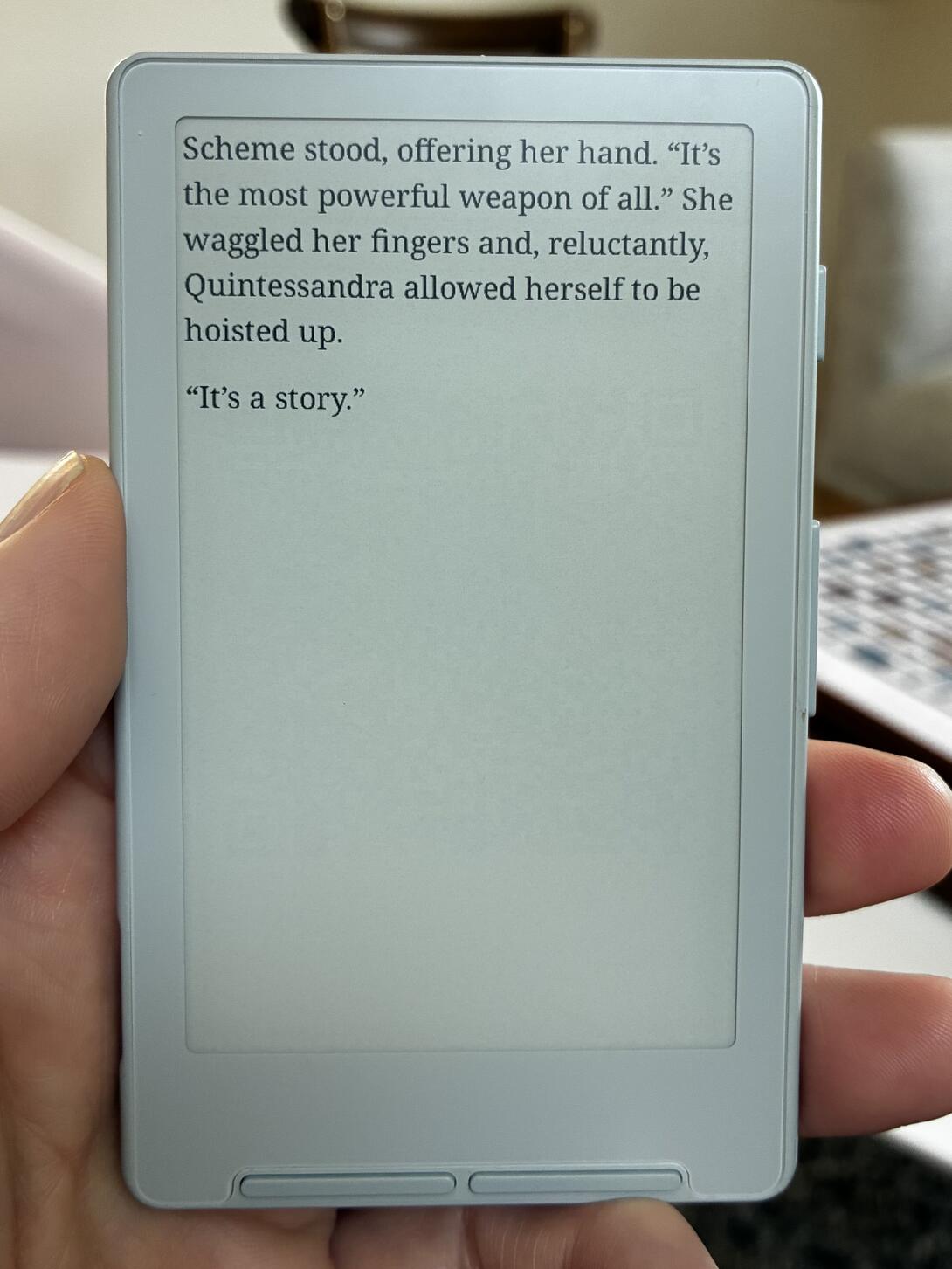
I’m reading a book in the Crosspoint e-reader:
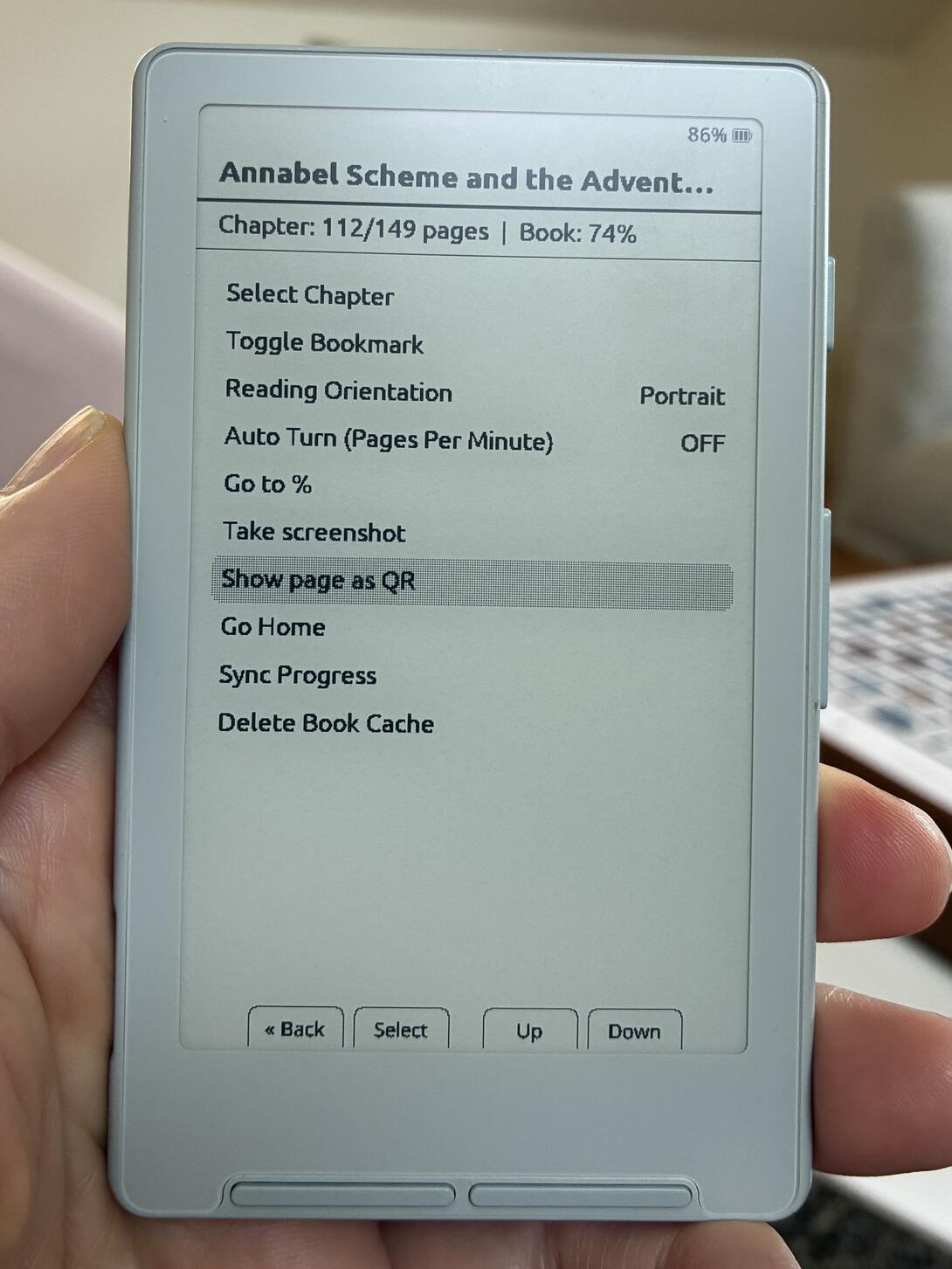
I pop up the settings, select “Show page as QR,” scan the QR code with my phone, and now I have the text to do with as I please:
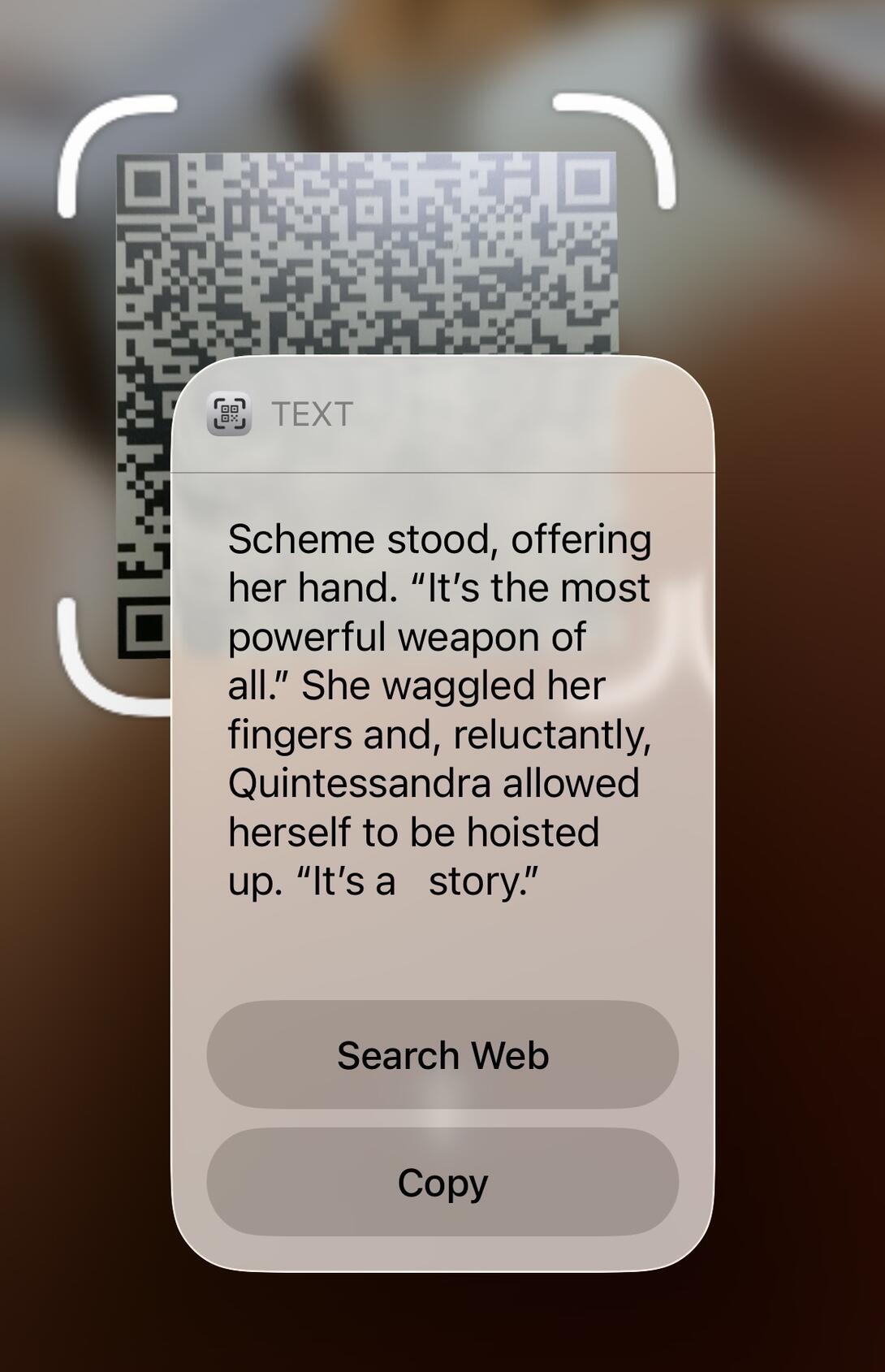
Like this:
Scheme stood, offering her hand. “It’s the most powerful weapon of all.” She waggled her fingers and, reluctantly, Quintessandra allowed herself to be hoisted up. “It’s a story!”
Comments
Hi, how do you like that eink reader? Been looking to maybe get one but since I have a Kobo already I didn't know if it was worth it.
Despite how long e-readers have been a thing, this is my first. I love the small palm-sized form factor, the open source Crosspoint software, and how there’s no longer a flag between pages on page-turn (which kept me away from e-readers all these years).
Awesome, thanks. I ended up buying one, it's a pretty neat little device.
 I am
I am  You can subscribe to an